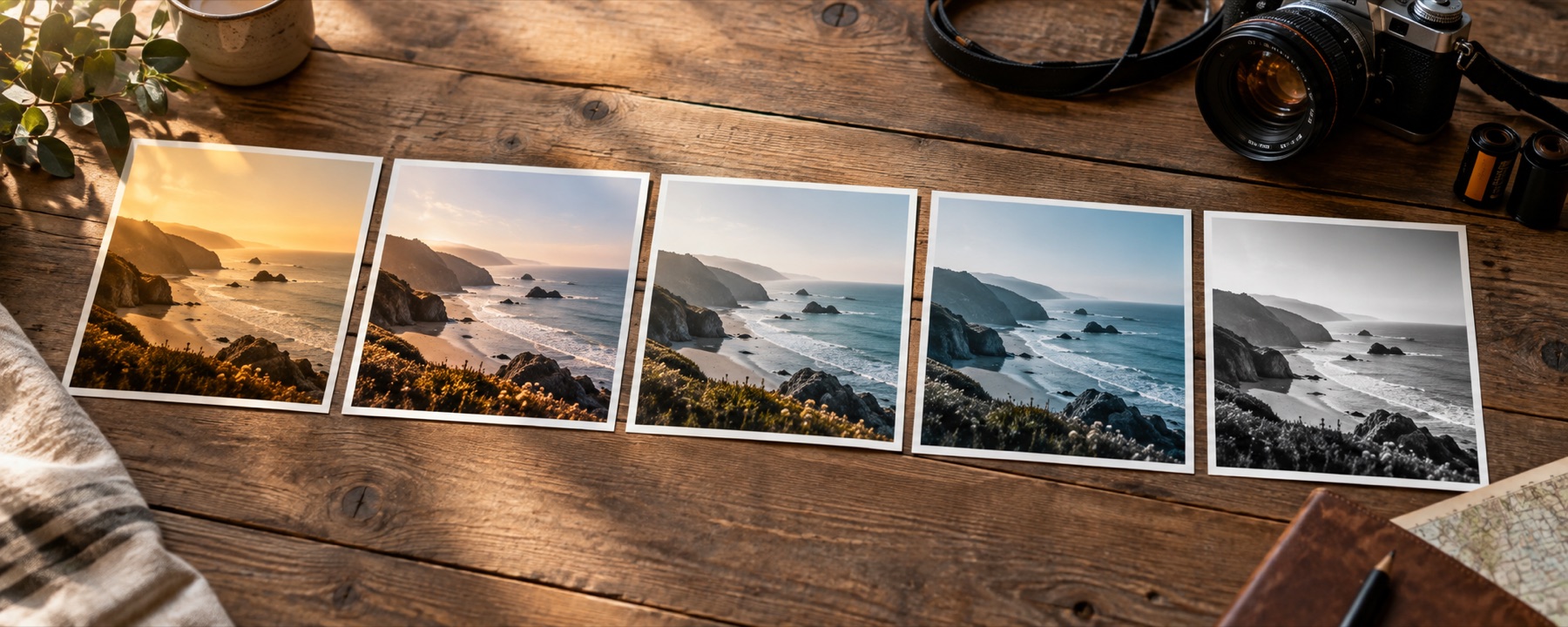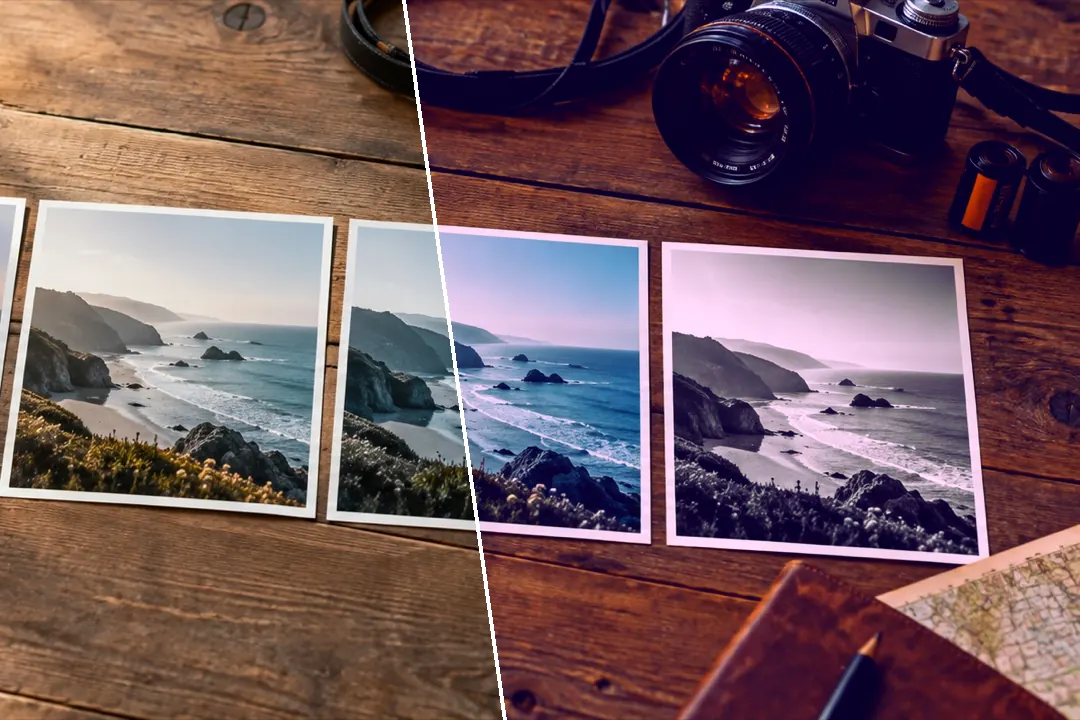
Soft pastel, Seoul-morning cool, milk-tea warmth, cloud fade, neon night, moody teal and dark academia — colour and tone only, with glow one control away.
Filtered photos are rejected for passports, visas and most exam forms. Use the original.
Soft, cool, warm or after dark
The Aesthetic shelf is the look people describe with one word: soft. Contrast eased, blacks lifted, colour turned down toward pastel, and a tint in the highlights — lilac, cool blue or café cream. Night Neon and Dark Academia go the other way, dense and moody. Read the skin line before you commit on a portrait.
| Look | What it does, and what it does to skin |
|---|---|
| Soft Pastel | Low contrast, lifted blacks and a lilac tint in the light: colour turned down to pastel.Softens skin tone differences without smoothing anything. |
| Seoul Morning | Soft, cool and bright: the airy, low-contrast look people call Korean-style.Brightens and cools skin slightly; kind to even, pale complexions. |
| Milk Tea | Warm beige midtones, muted colour and a creamy floor: the café look.Warms skin toward beige and lowers its saturation. |
| Peach Skin | A gentle peach warmth placed in the midtones, where skin sits, with the rest left nearly alone.Moves skin toward peach; built for portraits. |
| Cloud Fade | Everything lifted toward white: very low contrast, faded blacks and a cool haze.Lightens skin and lowers contrast across the face. |
| Night Neon | City at night: violet shadows, magenta highlights and saturated signs against dense blacks.Tints skin magenta; strongest under artificial light. |
| Moody Teal | Teal shadows, warm highlights and muted colour under a darker curve.Keeps skin warm against cool surroundings. |
| Dark Academia | Brown, desaturated and low-key: warm shadows, old-library colour and a darker middle.Warms and darkens skin; reads best indoors. |
Dreamy is mostly glow
The Finish panel opens on glow because “dreamy” is mostly light spilling out of the highlights. It is built from the bright parts of your photograph and screened over the look, at a radius measured as a share of the frame, so the saved file glows exactly as the preview does. More on glow and halation on add glow to an image.
What it cannot do
- These looks do not smooth skin, reshape faces or whiten teeth. When a search for a Korean filter means a beauty filter, this is not that tool.
- Glow comes from the bright parts of the picture. A photograph with no highlights has nothing to glow.
Questions
What makes a photo look aesthetic or Korean-style?
Mostly four things: soft contrast, blacks lifted off the floor, a cool or milky tint in the light, and a little glow in the highlights. Seoul Morning, Soft Pastel and Cloud Fade are built from exactly those; Milk Tea and Peach Skin do the same with warmth.
Does it smooth skin?
No. These are colour and tone looks. Nothing here smooths skin, reshapes a face, enlarges eyes or whitens teeth — the picture's detail is exactly as it was. That is a deliberate line: beauty retouching changes what a person looks like, and this site only changes colour.
How do I get the dreamy glow?
Open Glow and halation in the Finish panel and raise Glow. Threshold decides which highlights spill light and radius how far it spreads; it is an effect laid over the look, and it is labelled as one.
Can I save my aesthetic as a preset?
Yes. Save recipe keeps it in this browser; Copy recipe link, Export JSON, Recipe card PNG and Save as .cube take it anywhere else. None of them contains your photograph.
Nearby on this site
- Add glow to an imageBloom from the highlights and red halation around bright edges, sized as a share of the frame.
- Instagram photo filtersThe looks people post most, with 4:5, 1:1, 1.91:1 and 9:16 guides and an export fitted to the feed.
- Retro photo filterSeventies slide warmth, eighties magenta, nineties drugstore green, cross-processing and flash.
- Photo filter editorBuild a filter from scratch, name it, and take it with you as a link, a card, JSON or a .cube.