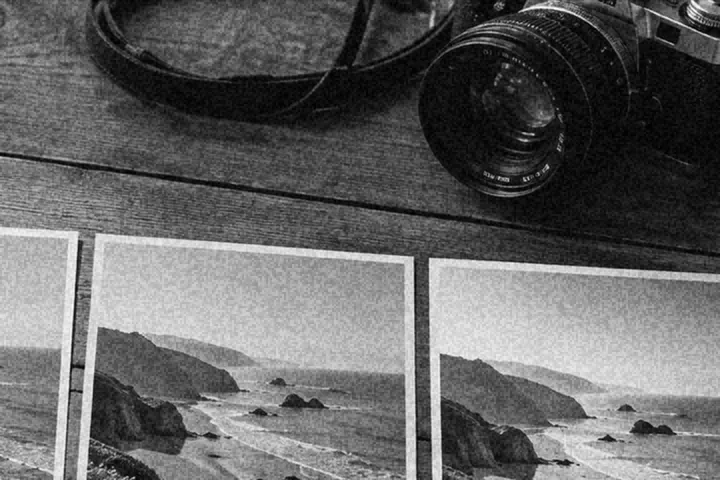
Film grain as an effect: amount, size, colour or luminance, a response that sits in the midtones, and a pattern number that repeats exactly.
Grain is an effect, laid on after the colour
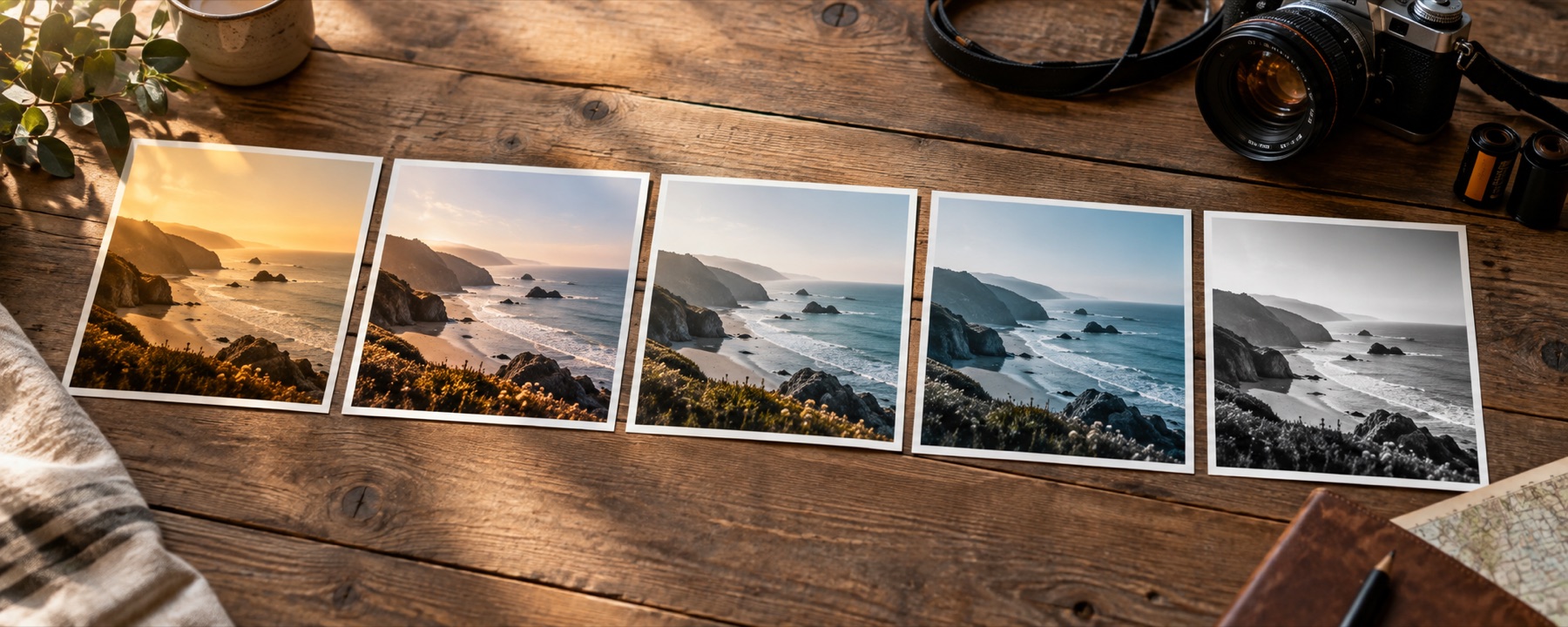
A look is colour and can live in a table; grain depends on where a pixel is, so it is drawn by the shader after the table, in the same pass. It is strongest in the midtones and lighter in the deep shadows and clipped highlights, which is where film grain shows on a print. Put it on top of any of the film photo filters for the full effect.
The pattern has a number. Press New pattern for a different one; keep the number and you get the same grain on every save, and on every frame of a batch.
What it cannot do
- Grain at web sizes is often lost to recompression by the platform you post on; a coarser size survives better.
- Grain is a pattern laid over the picture. It does not add the detail or the tonal response of a real film stock.
Questions
Colour grain or luminance grain?
Luminance grain varies only brightness, like black-and-white film and most modern colour stocks once scanned. Colour grain also varies each channel a little, which reads as older or faster film. Luminance is the safer default; colour grain shows more on skin.
Why does the grain look different when zoomed out?
Grain is finer than most screens show at fit-to-window size, so a scaled-down preview averages it away. Press 1:1 on the toolbar to see the grain as it is in the file. The pattern is laid in the picture's own proportions, so the saved file matches the preview at the same zoom.
Will Instagram or WhatsApp smooth my grain away?
Often, yes. Platforms re-encode uploads and fine grain is among the first things lost. For a social post, choose Medium or Coarse and a little more amount than looks right on screen.
Will the grain be the same on every photo in a batch?
Yes. The grain pattern has a number, stored in the recipe. The same number gives the same grain on every save, every picture in a batch and every device that opens the recipe.
Nearby on this site
- Film looksThe eight emulations on their own, with what each one does to skin written down.
- Vintage looksFaded-print responses with lifted blacks and colour drift.
- Add a vignetteAmount, midpoint, roundness, feather, a movable centre, highlight protection and white vignettes.
- Batch filtersRun one named look across up to forty pictures and collect the full-size results in a ZIP.