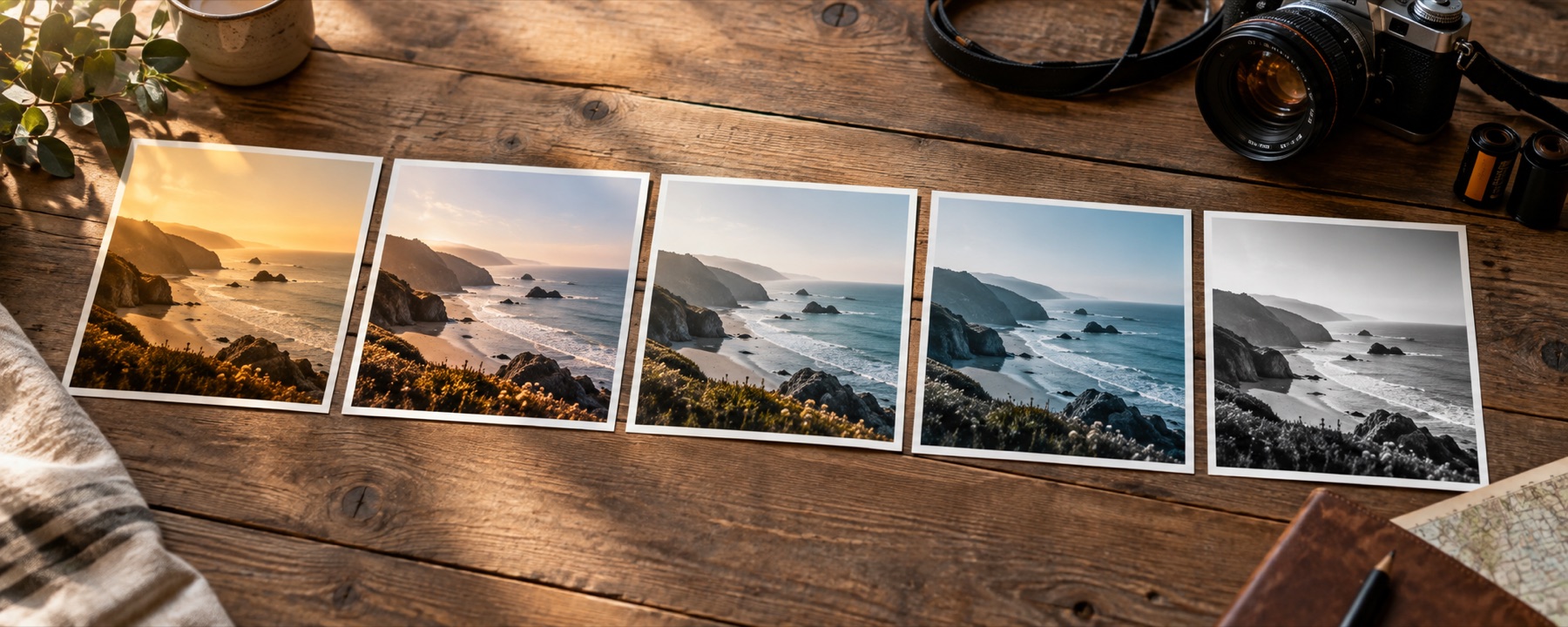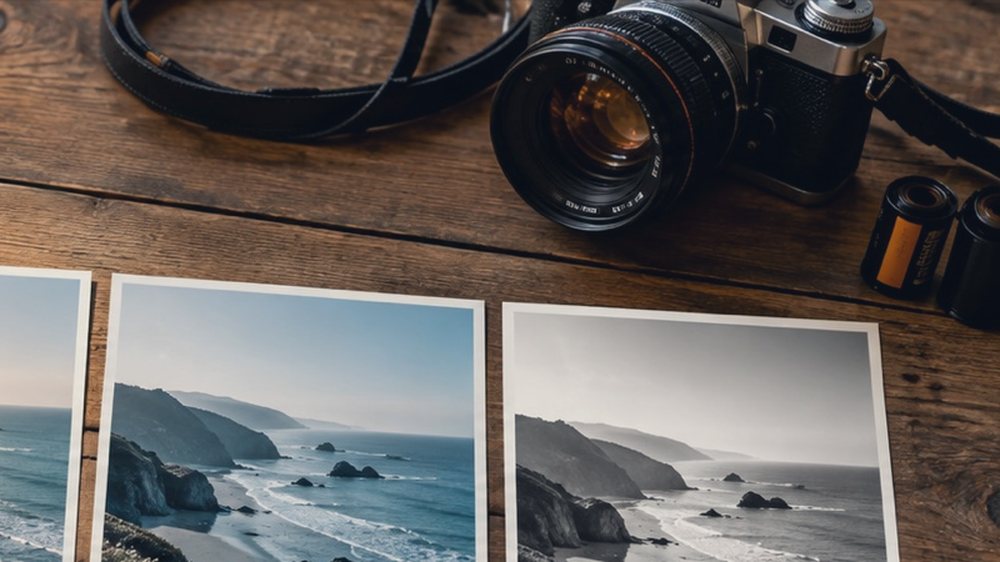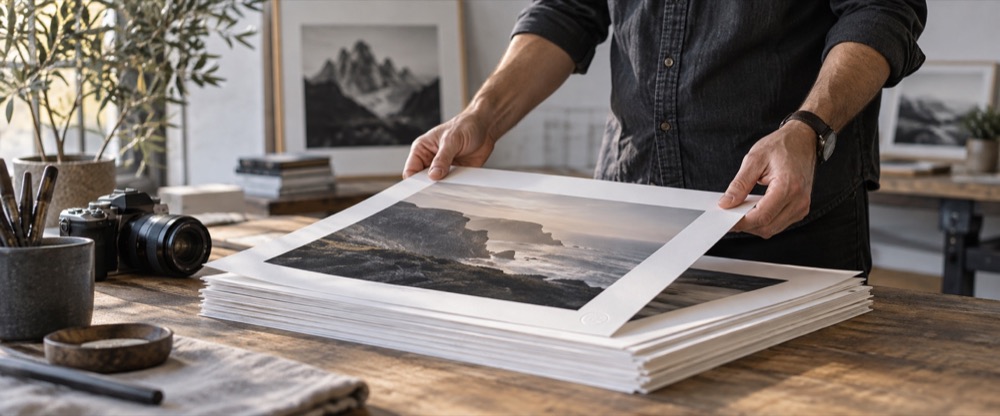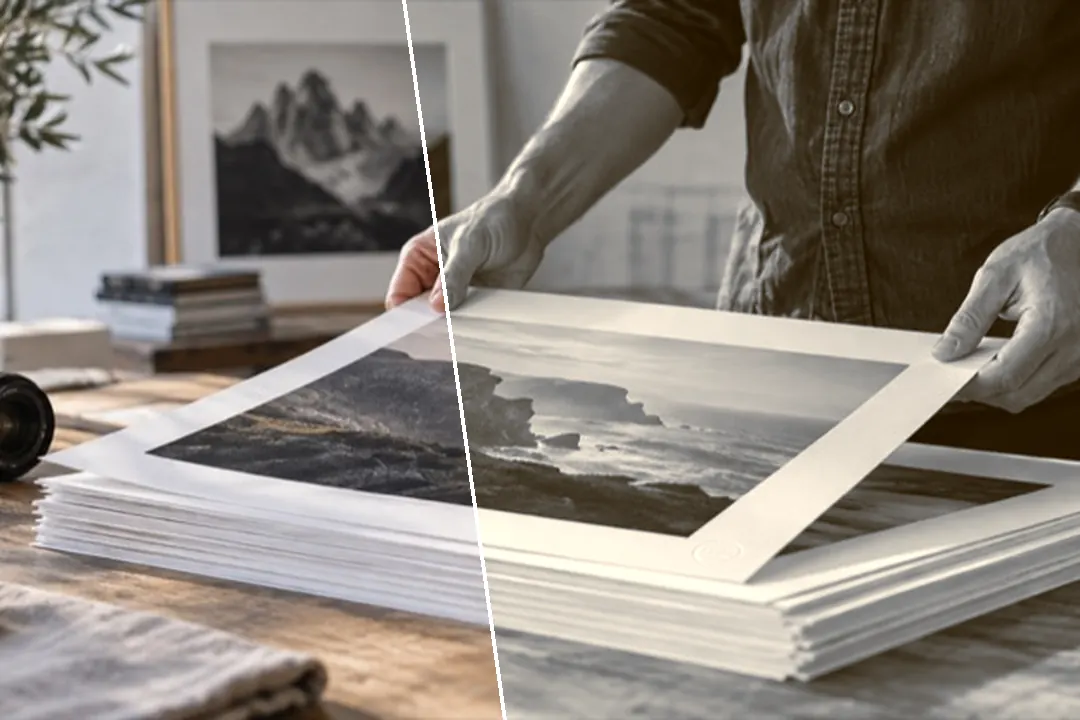
A black-and-white conversion with a print tone laid into it: sepia, selenium, cyanotype, gold, platinum, copper and a warm/cool split.
Filtered photos are rejected for passports, visas and most exam forms. Use the original.
Sepia is a black-and-white decision first
Every look on the Toning shelf starts from the same thing a black and white photo filter does: three channels weighed into one grey. Only then is the tone added — one colour pushed into the shadows, another into the highlights — so the tone follows the picture’s light instead of sitting over it like coloured glass.
| Look | What it does |
|---|---|
| Sepia | A mono conversion with a classic brown laid into the shadows and the highlights. |
| Warm Sepia | A deeper, more orange sepia, closer to an old studio print than to a brown wash. |
| Selenium | Selenium toning: a cool purple-brown in the deep shadows and near-neutral highlights. |
| Cyanotype | The blueprint process: everything in Prussian blue, with paper-white highlights. |
| Gold Tone | Gold toning: blue-black shadows and warm gold highlights from one mono conversion. |
| Platinum | A platinum print: soft contrast, a warm neutral grey and blacks that never quite go to ink. |
| Split Warm/Cool | Split toning: cool blue in the shadows and warm cream in the highlights. |
| Copper | Copper toning: a red-brown through the whole tonal range, warmer than sepia. |
Split toning and the keep-colour amount
The Toning panel opens beside the picture. Choose a shadow hue and a highlight hue — by name, on the slider or by typing a hex colour — then set how much and where the two meet. On a colour photograph the same panel is a split toner: cool shadows and warm highlights without losing the original colour.
The strength slider is the keep-colour control. Sepia at 100 per cent is fully toned; pull it back and the colour photograph returns underneath, warm and old rather than monochrome. Prints that have aged rather than been toned are on the vintage photo filter page.
What it cannot do
- Toning a phone JPG with heavy noise reduction can look plasticky; the conversion keeps whatever smoothing the phone already did.
- A sepia print's paper texture is a texture, and this site does not add one. Grain is the closest thing here, and it is labelled as an effect.
Questions
Is sepia the same as a brown tint?
No. A tint lays one colour over everything, including the colours already in the picture. Sepia here starts by turning the picture into a black-and-white conversion and then puts the brown into the shadows and the highlights, the way a toned print carries it. That is why a sepia picture has no stray greens or blues left in it.
What are selenium and cyanotype?
Two other print processes. Selenium toning cools the deepest shadows toward a purple-brown and leaves the highlights almost neutral. Cyanotype is the blueprint process: the whole picture sits in Prussian blue on white. Both are on the Toning shelf, and the Toning panel lets you choose any shadow and highlight hue yourself.
Can I keep some of the colour?
Yes. Lower the strength of the sepia look. At 100 per cent the picture is fully toned; at 40 per cent it is the colour photograph with a warm antique cast, which is often what people searching for a sepia filter actually want.
Why does my sepia look flat?
Usually because the photograph was flat to begin with — a phone picture with heavy noise reduction and lifted shadows. Add contrast in the Tone panel, or try Warm Sepia or Copper, which carry more density. Raising the Shadows slider in the opposite direction (negative) also brings back weight.
Will a passport office accept a sepia photo?
No. Passport, visa and most exam applications ask for a colour photograph that has not been altered by software. Use the original photograph for those.
Nearby on this site
- Black and whiteEight channel and tonal decisions for turning colour into grey.
- Vintage looksFaded-print responses with lifted blacks and colour drift.
- Add grain to a photoFilm grain you can size, colour or keep to luminance, with a pattern number that repeats exactly.
- Photo filter editorBuild a filter from scratch, name it, and take it with you as a link, a card, JSON or a .cube.