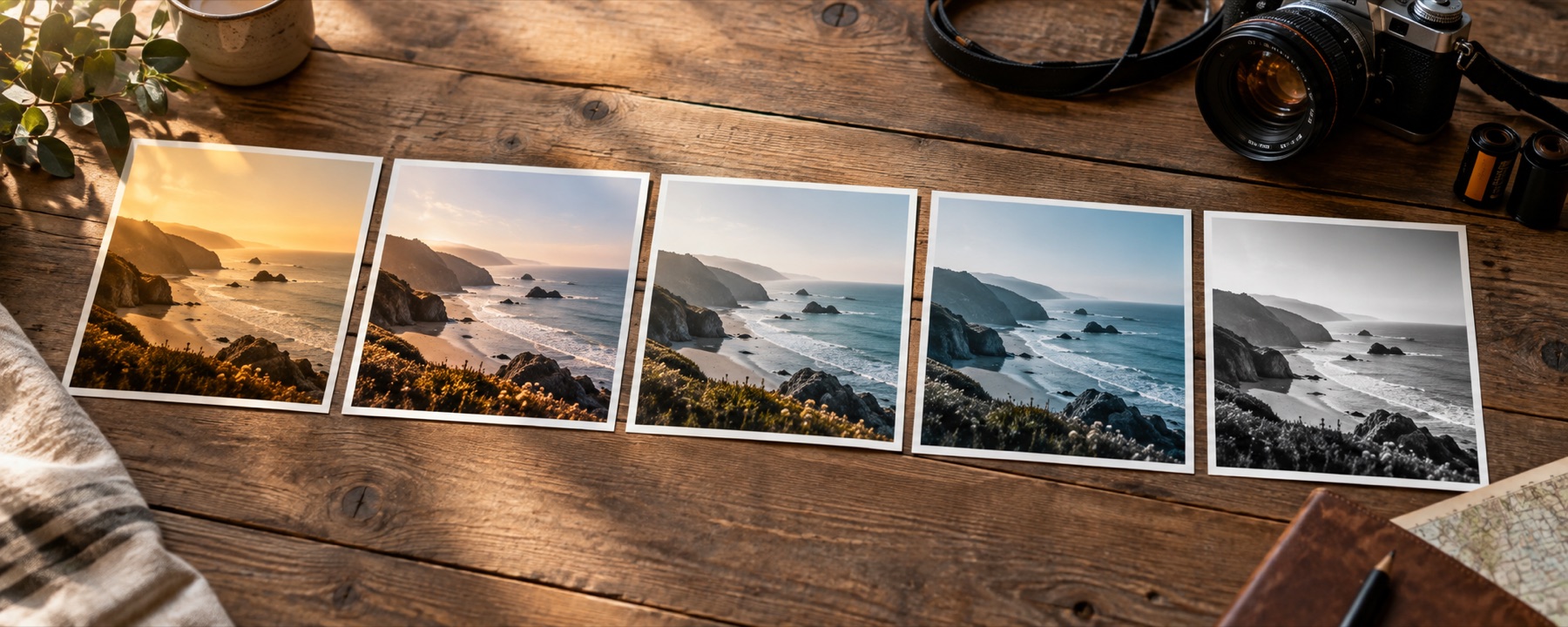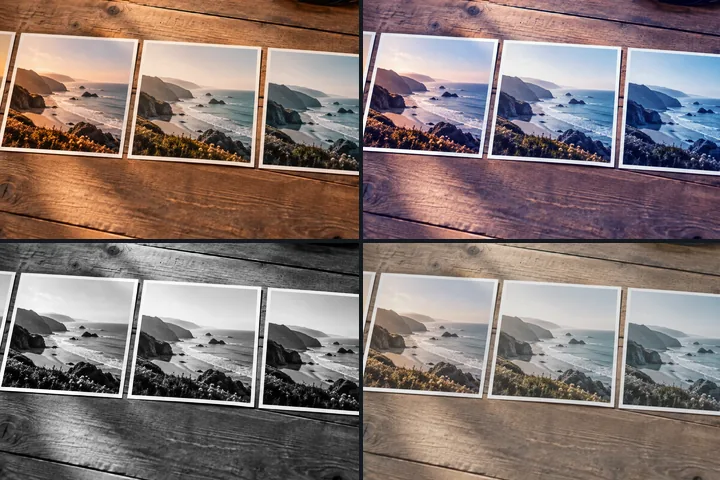
Open a photo and the light table fills with the four looks that differ most on it — each with its own strength — plus a contact sheet of every look.
Four different answers, side by side
A rail of tiles shows what each look is; the light table shows how much of it you want. This page opens the table with four looks already on it, chosen because they move your particular picture in four different directions. Replace any of them from the library with +, and drag each cell to its own strength.
For a family group or a client, the contact sheet puts every look on the shelf onto one page with its name, so the choice can be made away from the screen. The whole library, by family, is on the photo filter library.
What it cannot do
- Measured spread finds looks that are different, not looks that are good. The choice is still yours, made on the picture.
- A contact sheet uses a smaller copy of the photograph for its tiles; save the chosen look itself for the full-size file.
Questions
How does the page choose four looks to compare?
It measures what every look does to your picture — how much lighter or darker, warmer or cooler, greener or more magenta — and picks the look that moves it furthest, then each next look as far as possible from the ones already chosen. The same picture always gives the same four.
How do I set each one's strength?
Drag sideways across a cell; the other three hold still. With the keyboard, focus a cell and use the arrow keys. Same strength for all moves every cell together, and Show original adds the untouched photograph as a fifth cell.
Can I download all the looks as one sheet?
Yes. Download a contact sheet, in the Export panel, saves every look on the open shelf as one labelled grid on your photograph — a JPG 2400 pixels wide with the name under each tile.
Which filter is best?
The one that suits this photograph, which is why every cell is your own picture. Judge skin first, then whites (do they stay white?), then skies and foliage. Hold the space bar to see the original; if the original wins the moment it returns, the look was doing the talking.
Nearby on this site
- The filter libraryEvery look by family, with swatches computed from its recipe and a link that opens it on your photo.
- Photo filtersFifty-six looks shelved by family, compared four at a time and built into recipes, every thumbnail drawn from the photograph you opened.
- Photo filter editorBuild a filter from scratch, name it, and take it with you as a link, a card, JSON or a .cube.
- Making a set of photos matchOne look, one strength, a run of pictures, and the judgement calls that sit between them.