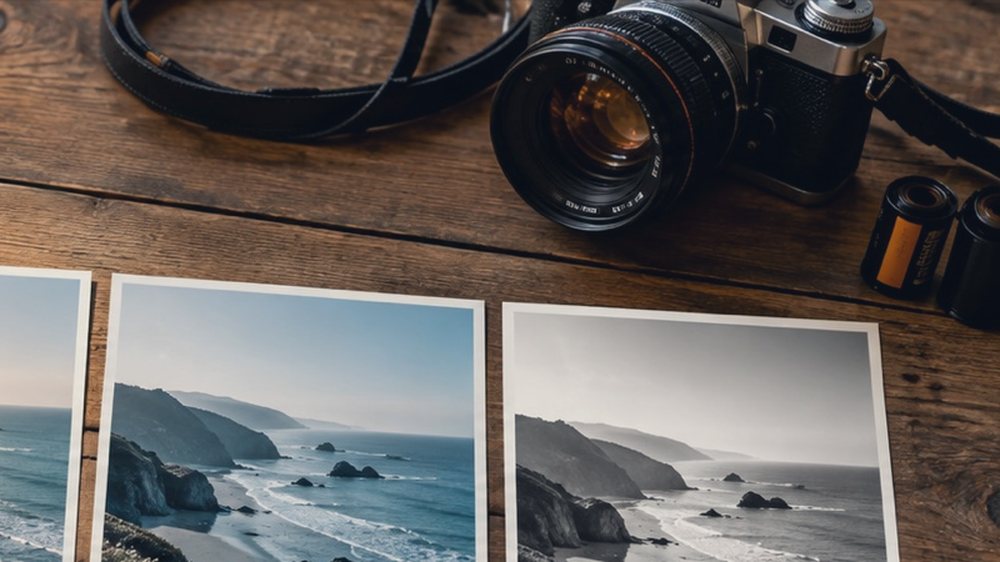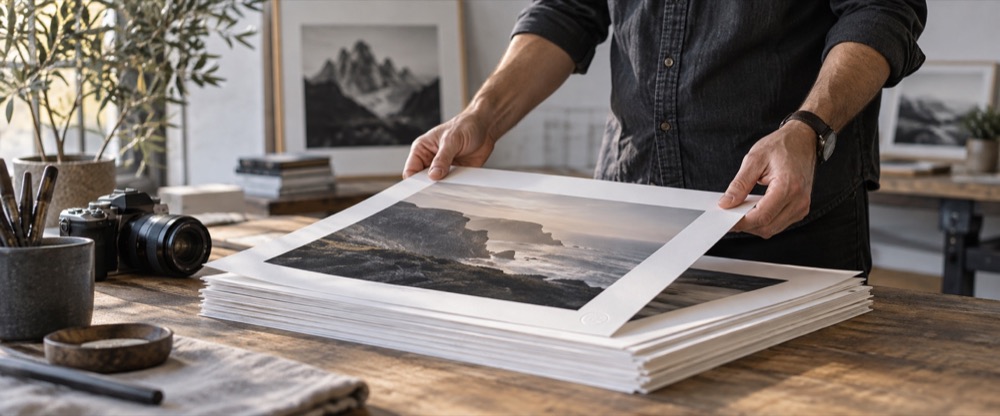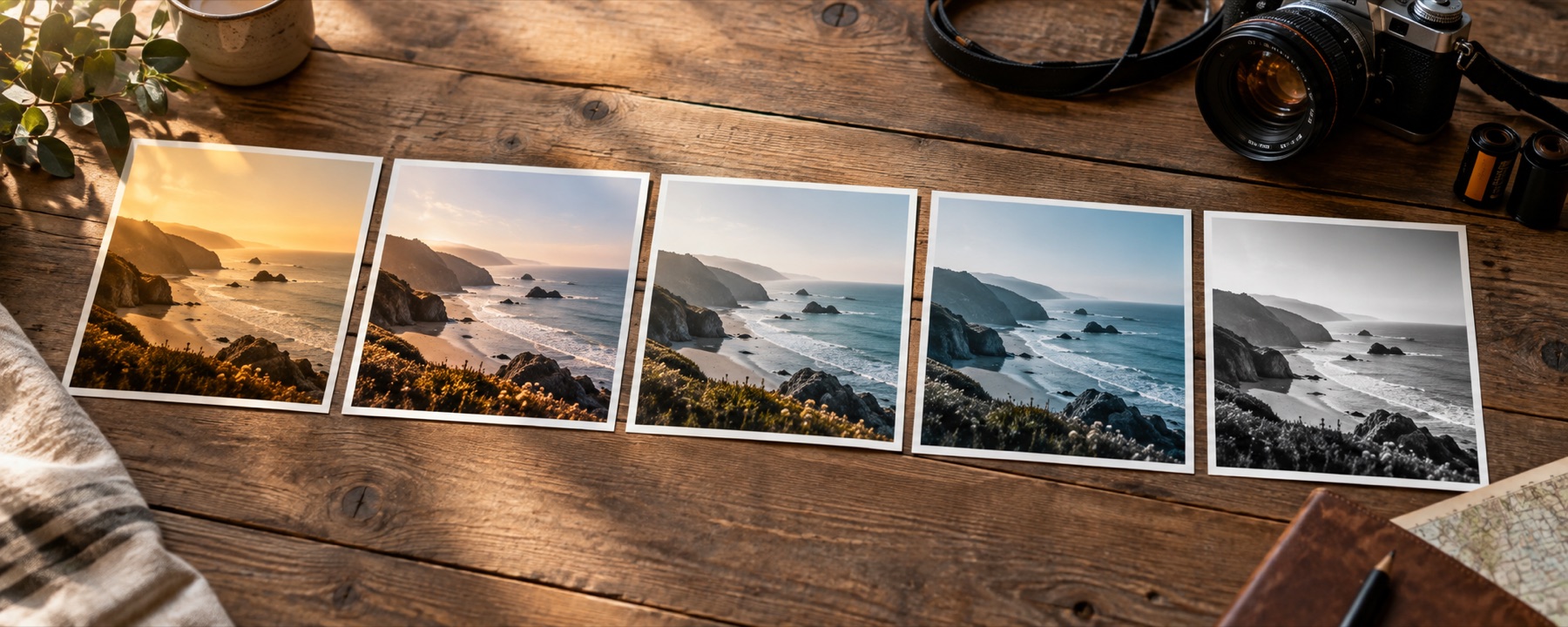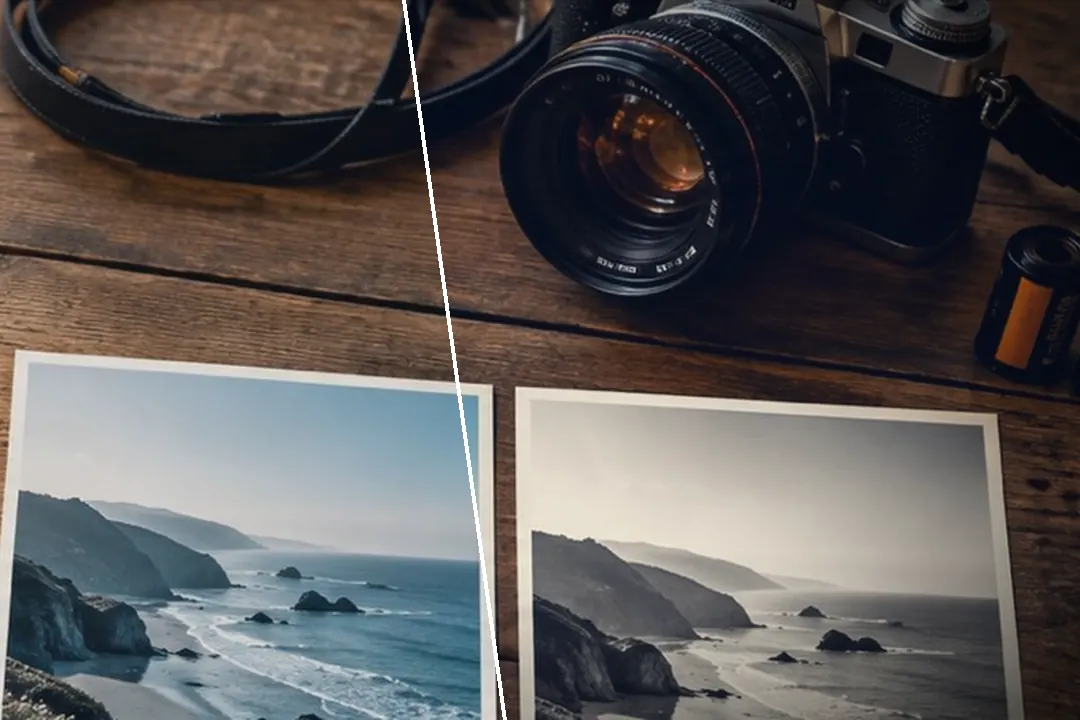
A vignette you can shape: amount (dark or white), midpoint, roundness, feather, a movable centre and protection for bright skies.
Shape it, then place it
Roundness runs from following the frame’s shape (−100) to a true circle (+100). Midpoint sets where the falloff starts and Feather how gradual it is: a low feather is a hard-edged porthole, a high one barely noticeable. Then move the centre onto the subject. On a black-and-white or toned picture, the Print edge shortcut sets a gentle round edge in one tap.
The vignette is an effect: it sits on top of the look and is drawn by position, so a .cube saved from the recipe leaves it out. Pair it with film grain for an older print.
What it cannot do
- A vignette darkens or lightens the edges; it cannot hide a distracting object or fix uneven light from the scene itself.
- A strong vignette on a bright sky turns it grey; raise Protect highlights to hold the sky back.
Questions
What is a vignette?
A gradual darkening (or lightening) toward the edges of the frame. Old lenses did it by accident; photographers add it on purpose to hold the eye in the middle of the picture.
Can I move the centre?
Yes. Centre across and Centre down move the vignette's middle anywhere in the frame, so it can sit on a face that is not in the middle. Each is a slider, so the arrow keys move it one per cent at a time.
What is a white vignette?
A vignette that fades the edges toward white instead of black — a high-key, airy look. Drag the amount below zero.
Will the vignette follow a crop?
Yes. The vignette is drawn in the frame's own proportions, and a crop on export (for example the Instagram 4:5 crop) is cut from the graded frame, so the vignette is part of what you see in the crop frame.
Nearby on this site
- Add grain to a photoFilm grain you can size, colour or keep to luminance, with a pattern number that repeats exactly.
- Add glow to an imageBloom from the highlights and red halation around bright edges, sized as a share of the frame.
- Retro photo filterSeventies slide warmth, eighties magenta, nineties drugstore green, cross-processing and flash.
- Photo filter editorBuild a filter from scratch, name it, and take it with you as a link, a card, JSON or a .cube.