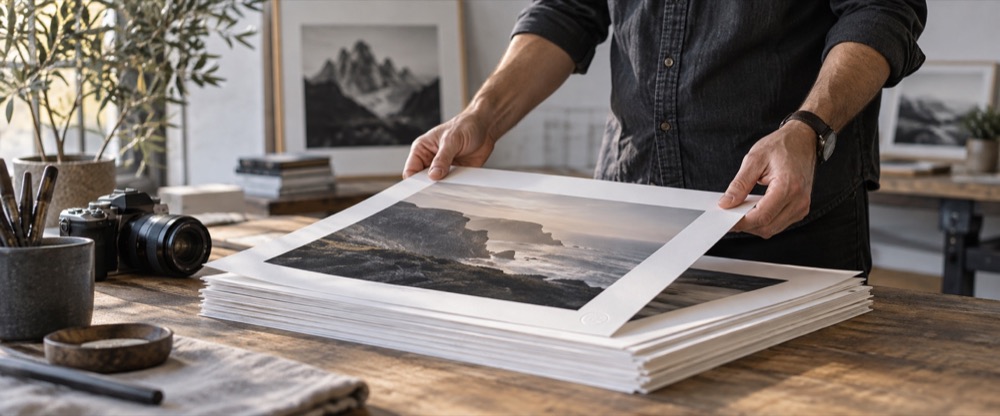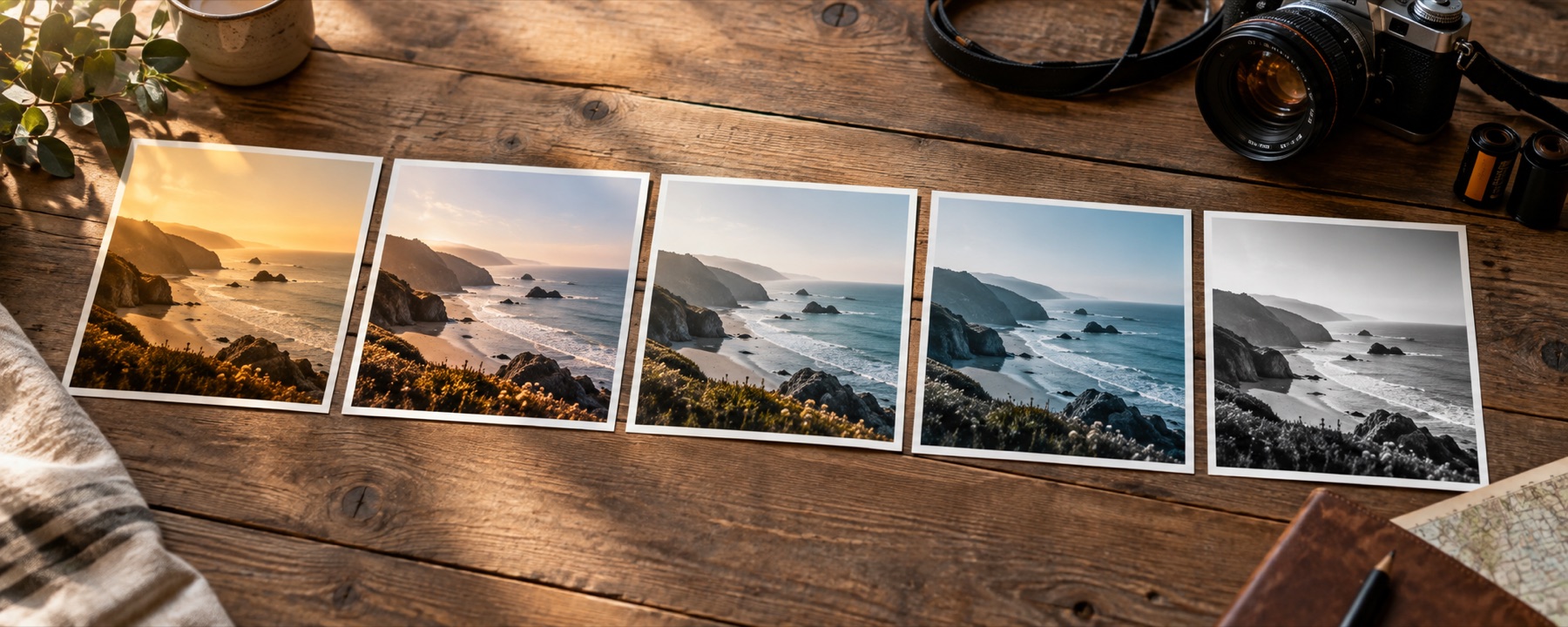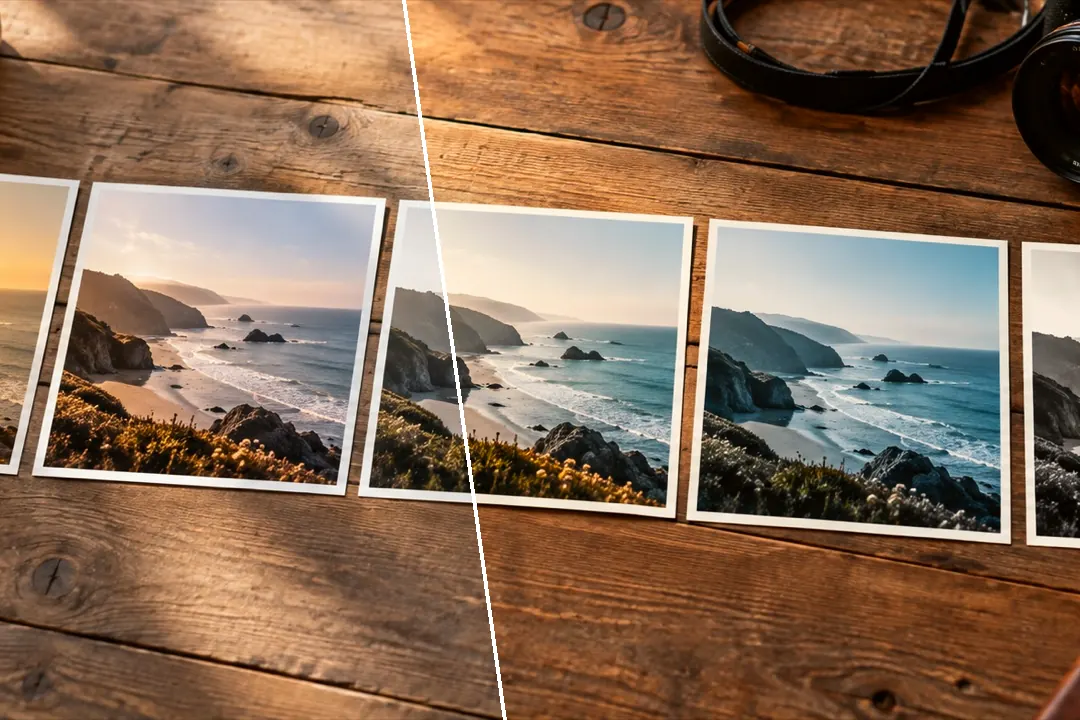
The looks people post most, sorted toward soft, warm and vibrant, with feed and story guides on the picture and an export fitted to the size you post at.
Filtered photos are rejected for passports, visas and most exam forms. Use the original.
Looks first, size second
The library opens on Social picks: the same looks as everywhere on this site, re-sorted toward the soft, warm and vibrant ones people post. Pick by eye, set the strength, then choose a size under Fit for… — feed portrait, square, landscape, story, WhatsApp status or profile picture. The crop is a second step and is never applied without you choosing it.
- Instagram feed, portrait 4:5: 1080 × 1350. The tallest a feed post shows without cropping.
- Instagram feed, square 1:1: 1080 × 1080. The grid crops every post toward this.
- Instagram feed, landscape 1.91:1: 1080 × 566. The widest a feed post shows.
- Instagram story or reel cover 9:16: 1080 × 1920. Full-screen on a phone.
- WhatsApp status 9:16: 1080 × 1920. Full-screen on a phone.
- WhatsApp profile picture 1:1: 640 × 640. Shown in a circle; keep the face in the centre.
Sizes checked 2026-10-18; platforms change them. For dreamier pictures, try the aesthetic photo filters.
What it cannot do
- The platform re-compresses uploads; fine grain and subtle gradients may band after posting.
- Sizes are third-party guidance and change; each is dated and labelled as typical.
Questions
What size should an Instagram portrait post be?
4:5, typically 1080 × 1350 pixels. Square is 1080 × 1080, landscape 1.91:1 about 1080 × 566, and a story 9:16 at 1080 × 1920. These are typical sizes that platforms change; the ones here were checked on 2026-10-18.
Will Instagram compress my filtered photo?
Yes. Every upload is re-encoded, and fine grain and smooth gradients can band or disappear. Exporting at the size the platform uses, at quality 90, gives its encoder less to throw away.
Are these Instagram's own filters?
No. They are this site's own looks with their own names; none copies an app's filter or uses its name. Looking for a warm look like the popular app ones? Try Warm Portrait or Kiosk Gold.
Can I crop to 4:5 here?
Yes, as an optional step. Choose a size under Fit for… in the Export panel and tick Crop to the ratio: a frame on the picture shows what stays, and Crop position slides it. Nothing is cropped until you save.
Nearby on this site
- Aesthetic photo filtersSoft pastel, Korean-style, milk-tea, cloud-fade and neon-night looks, with glow one control away.
- Film looksThe eight emulations on their own, with what each one does to skin written down.
- Find the best filter for your pictureFour looks spread furthest apart on your photo, side by side, and a contact sheet of every look.
- Online camera filtersYour webcam or phone camera graded live by any look, with a shutter, a self-timer, a four-frame film strip and nothing recorded until you press it.