Why one look at one strength does not give you a matching set
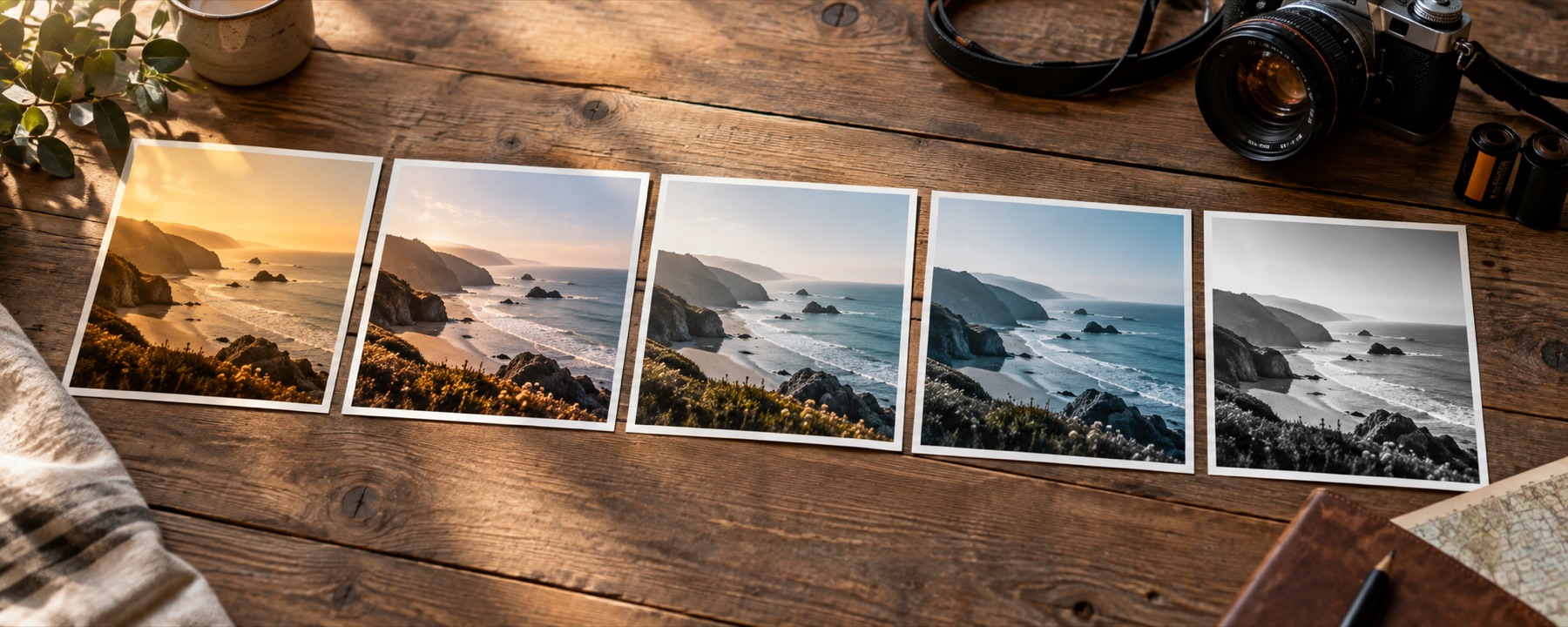
A look is a fixed transform, and a fixed transform lands where the picture already was. Drive the contrast up on a frame exposed a stop down and it stays a stop down — darker and flatter than the frame beside it, with the same tint over the top. That is why a folder run through a filter app comes back looking filtered rather than looking like one shoot, and why a grading suite balances a clip before it grades it.
So the queue reads each photograph first: where its tones sit, how far apart they are, and which way its neutral leans. It takes the median of those readings across the folder, brings every frame to it, and only then applies the look — composed into a single colour table, so it is still one draw through the same shader the rail uses. Each row prints what it measured in that file and the exposure, contrast and warmth move that reading produced. The blind rule is one button away for files that are not a set, and pixel dimensions never change under either.
The files still travel through the queue separately. One is decoded, measured, graded, encoded and released before the next begins, so a folder from a modern camera does not leave forty full-resolution canvases sitting in memory together.
Boundaries worth knowing
- Batch output does not carry EXIF or location metadata. If capture details matter, use the single-picture tool and save JPG; it keeps camera data while stripping coordinates.
- Levelling reads whole-frame averages and nothing else. It knows where a photograph’s tones sit, not what the photograph is of, so a frame that is mostly one dark coat reads as underexposed and is lifted accordingly — the row says what it measured, and the blind rule is there for that file.
- A dark interior and a bright exterior can be brought to the same level, but no colour table invents detail that was clipped away in the highlights of one of them.
- WebP is offered only when the browser proves it can encode WebP. Older browsers may refuse that choice instead of silently saving a PNG under the wrong extension.
Judge the look before committing a folder
- The look railTwenty-four looks in three packs, every tile drawn from the photograph you opened.
- Film looksThe eight emulations on their own, with what each one does to skin written down.
- Black and whiteEight channel and tonal decisions for turning colour into grey.
- Vintage looksFaded-print responses with lifted blacks and colour drift.
- Making a set of photos matchOne look, one strength, a run of pictures, and the judgement calls that sit between them.