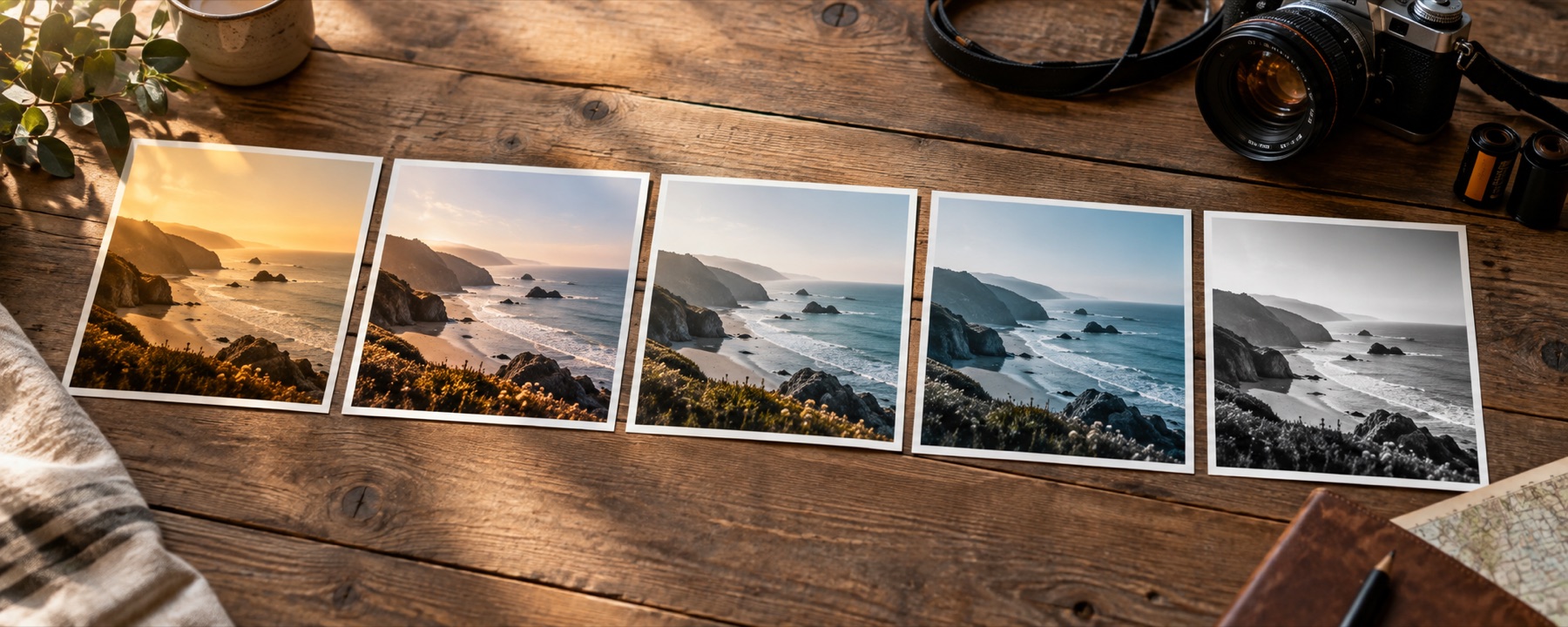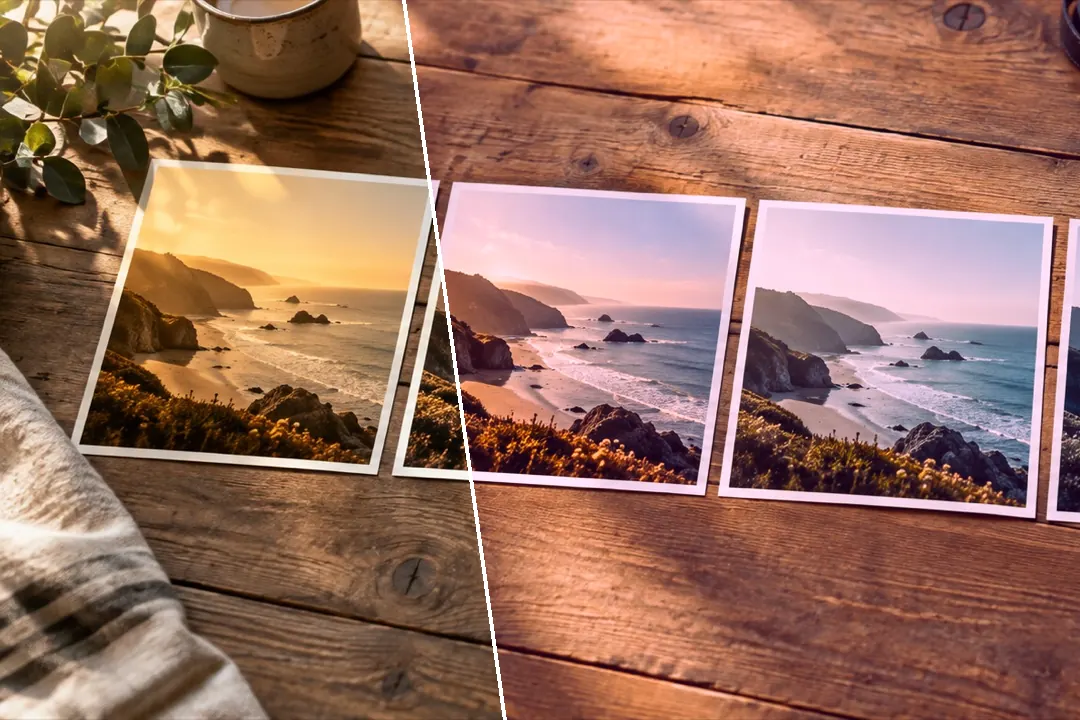
The colour of a decade when it was new: seventies slide warmth, eighties magenta, nineties drugstore green, cross-processing, camcorder cool and flash.
Eight decades of colour, by behaviour
Each look is named for what it does, not for a film stock or an app. Saturated Seventies is slide film the year it was shot; Eighties Magenta Print leans the mids toward magenta the way drugstore printers did; Nineties Drugstore lets green creep into the shadows. The two cross-process looks take slide film through the wrong chemistry, one way and the other.
| Look | What it does, and what it does to skin |
|---|---|
| Saturated Seventies | Slide-film warmth as it looked when it was new: deep reds, warm highlights and a firm curve.Warms skin hard and deepens reds on lips and cheeks. |
| Eighties Magenta Print | A drugstore print from the eighties: magenta leaning through the mids and a little lift in the blacks.Pushes skin pink; strong on pale subjects. |
| Nineties Drugstore | One-hour processing: green creeping into the shadows, warm cream highlights, punchy mids.Keeps skin warm while the shadow side of a face goes slightly olive. |
| Disposable Flash | The hard look of a direct flash on a cheap camera: bright faces, dense blacks, saturated colour.Brightens and flattens faces the way an on-camera flash does. |
| Cross-Process Green | Slide film developed as negative: yellow-green highlights, blue pulled out of the top, hard contrast.Turns skin yellow-green; a look for scenes more than faces. |
| Cross-Process Blue | The other way round: blue lifted into the shadows and mids, reds held back, cold and contrasty.Cools skin and drains its warmth. |
| Camcorder Cool | Home video from the nineties: cool white balance, soft blacks and colour that never quite saturates.Leaves skin pale and slightly blue. |
| Y2K Cyan | Early digital colour: cyan in the shadows, clean bright highlights and a glossy lift in saturation.Keeps skin clean but cools the shadow side. |
Texture, labelled as texture
For a disposable-camera feel, add coarse grain and a strong vignette with a low midpoint — the falloff of a small flash. Both are effects laid on after the colour and shown as such; the grain pattern has a number, so every picture in a set gets the same grain. For prints that have aged rather than looks from an era, see the vintage photo filter.
What it cannot do
- A retro look does not add the softness of a cheap lens; this site does not blur or distort the picture.
- The date stamp is the only text this site adds, and it prints exactly what you type — it does not read the date the photo was taken.
- Cross-processing was unpredictable chemistry. These are two fixed versions of what it tended to do, not a simulation of the process.
Questions
What is the difference between retro and vintage?
Vintage is a print that has aged: lifted blacks, faded dyes, a cast that drifted over the years. Retro is the colour of a decade when it was new — saturated seventies slides, magenta eighties prints, green-shadowed nineties processing. The faded-print looks are on the vintage page; these are their younger, brighter relatives.
How do I get an 80s or 90s look?
Eighties Magenta Print is the eighties drugstore print; Nineties Drugstore, Camcorder Cool and Disposable Flash are the nineties. Y2K Cyan is early digital. Search the library for 80s, 90s or 70s and it finds them by decade.
Can I add a date stamp?
Yes. Under Finish, open Date stamp and tick 'Add an orange date stamp': an orange seven-segment date, like a nineties compact camera printed, goes in the bottom-right corner. It starts on today's date in the '26 11 01 style; type your own (digits, spaces and ' . - / :). It is burned into the saved file, sized to the picture, and off unless you turn it on.
Why does it not blur like an old camera?
Because these are colour looks, not lens effects. A retro look changes what each colour becomes; it does not soften the picture, add light leaks or distort it. Grain and a flash-falloff vignette are the two texture effects on offer, and both are labelled.
Nearby on this site
- Vintage looksFaded-print responses with lifted blacks and colour drift.
- Film looksThe eight emulations on their own, with what each one does to skin written down.
- Add grain to a photoFilm grain you can size, colour or keep to luminance, with a pattern number that repeats exactly.
- Aesthetic photo filtersSoft pastel, Korean-style, milk-tea, cloud-fade and neon-night looks, with glow one control away.