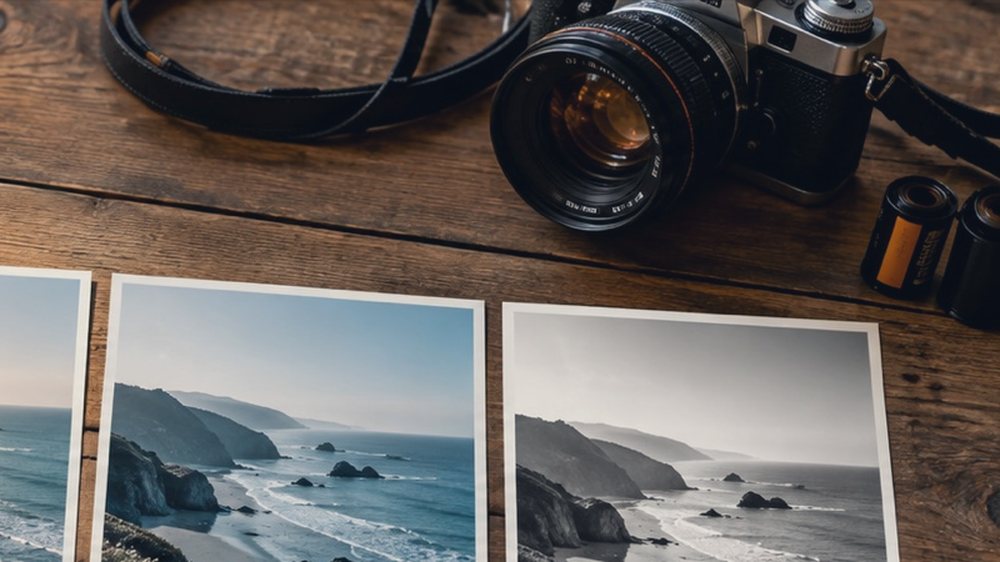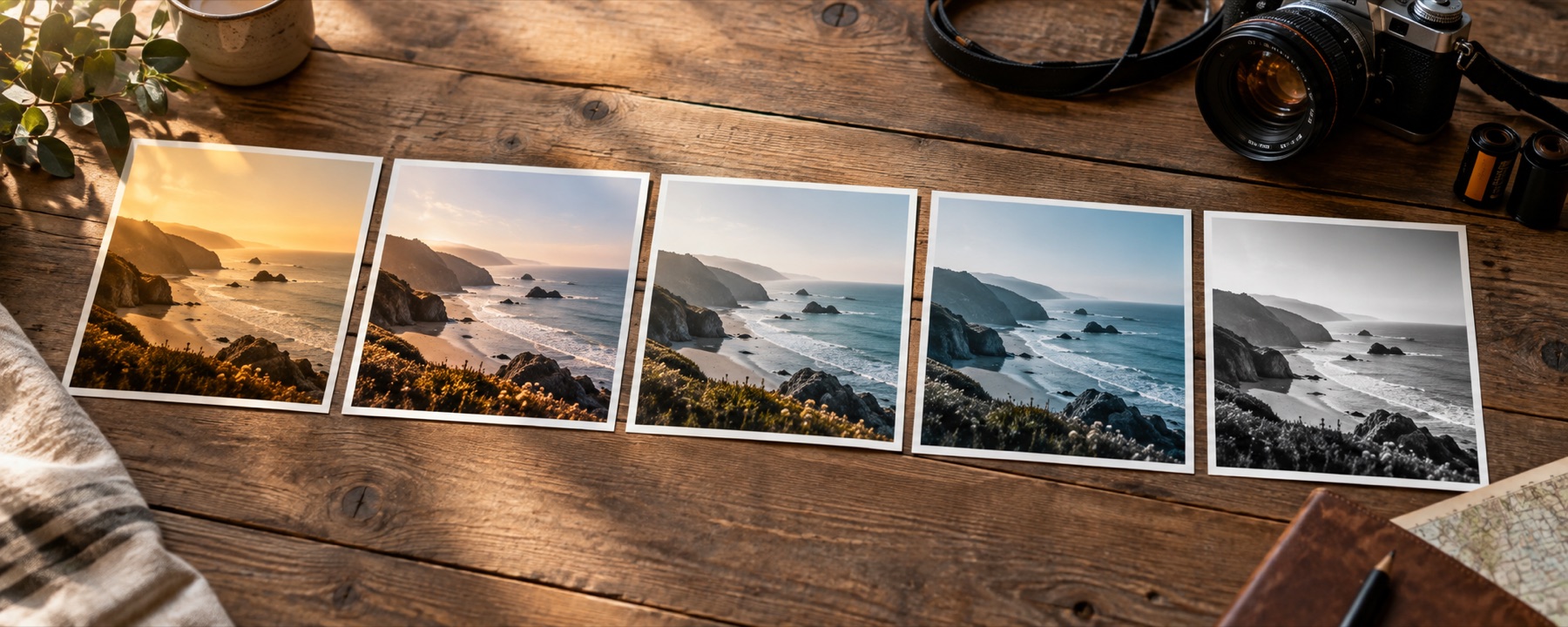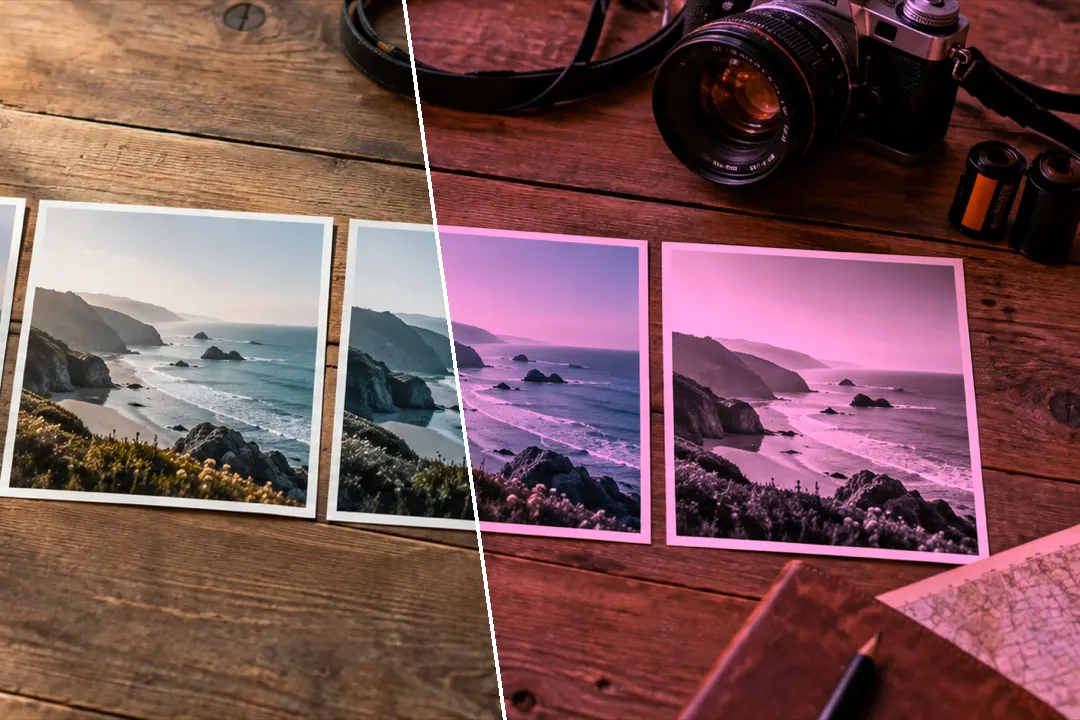
A coloured gel over the lens: blue, pink, gold, purple, red, green, amber, cyan or your own hex colour, at any density and in four blends.
Eight gels, and any colour you type
The Colour shelf is eight gels with honest names. Each one holds back the channels a real gel would absorb, so the colours it blocks go dark rather than just changing hue. The panel beside the picture does the same for any colour: choose a preset, drag the hue, or type a hex code, then set the density.
| Look | What it does |
|---|---|
| Blue Gel | A blue filter over the lens: red and green held back, so warm colours darken and the scene goes cold. |
| Pink Gel | A pink filter: green pulled down most, blue a little, so whites turn rose and foliage goes dark. |
| Gold Gel | A gold filter: blue held well back and green slightly, for sunset warmth over everything. |
| Purple Gel | A purple filter: green strongly reduced and red a little, so the picture turns violet. |
| Red Gel | A red filter: green and blue halved, so blue sky goes deep and everything warm glows. |
| Green Gel | A green filter: red and blue held back, so skin and red objects darken and leaves brighten. |
| Amber Gel | An amber filter: deeper and more orange than gold, the colour of tungsten light. |
| Cyan Gel | A cyan filter: red cut in half, so skin and brick darken and water and sky glow. |
Four blends, four different jobs
Multiply is the physical gel. Soft light is a tint that keeps the picture’s contrast. Colour keeps each pixel’s lightness and replaces its hue — closest to a monochrome in one colour; for print tones, the sepia filter page does that properly. Screen lightens toward the gel. Every blend is a per-pixel colour function, so it bakes into the same colour table as the looks.
What it cannot do
- A strong gel throws away the other colours. Red flowers under a dense blue gel go near black, as they would through a real filter.
- A gel cannot recover colour the photograph never had; on a grey picture it is a tint and nothing more.
Questions
What does a blue filter do to red objects?
It darkens them, sometimes nearly to black. A blue gel lets blue through and absorbs red and green, so anything that was mostly red has little light left. That is what a real filter does too, and the Multiply blend models it that way.
Multiply or soft light: which should I use?
Multiply behaves like coloured glass: it darkens and throws away the colours the gel blocks. Soft light tints the picture while keeping its contrast, which is gentler. Colour replaces every hue with the gel's and keeps the lightness; Screen lightens toward the gel's colour.
What does preserve brightness do?
A dense gel removes light, so the picture gets darker. Preserve brightness scales the result back up by the amount the gel took away, so a strong blue makes the picture blue rather than just dark.
Can I choose my own colour?
Yes. The Colour filter panel has a hue slider, eight named presets and a hex box: type a colour code such as ff6fb5 and it becomes the gel.
Nearby on this site
- Cinematic photo filterTeal and orange with a skin guard, bleach bypass, held blacks and an optional letterbox.
- Sepia filterSepia, selenium, cyanotype, gold, platinum and copper toning, with split toning and a keep-colour amount.
- Black and whiteEight channel and tonal decisions for turning colour into grey.
- Photo filter editorBuild a filter from scratch, name it, and take it with you as a link, a card, JSON or a .cube.