
PictureFiltersAll filters
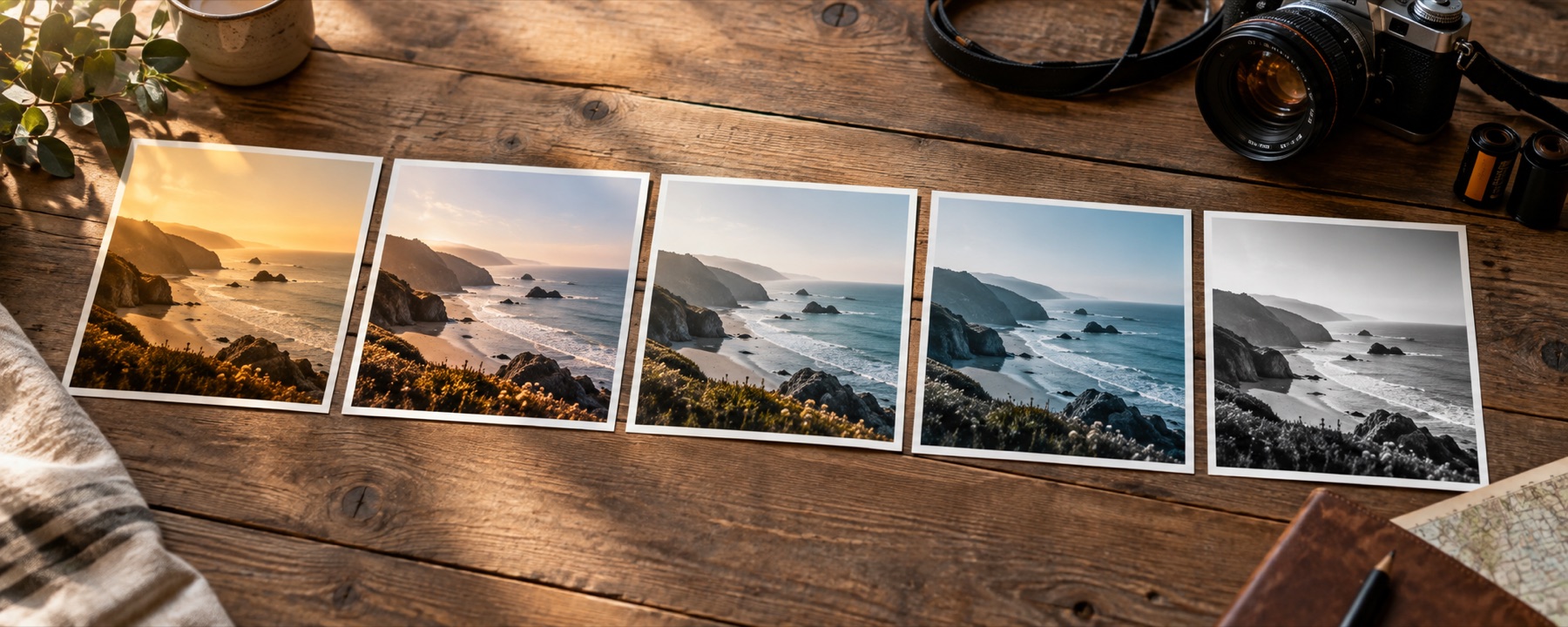
Photographic visual for What A Filter Remover Can And Cannot Undo
What A Filter Remover Can And Cannot Undo

Guide

What a filter remover can and cannot undo

'Remove the filter from this photo' is a popular request and most answers to it promise too much. Part of it can be done honestly. Here is which part, how, and how well it worked when we tested it.

Two kinds of filter, two answers

A colour look changes every pixel by a rule that depends only on that pixel’s colour: warmer, flatter, pinker shadows. Such a rule leaves fingerprints across the whole picture — the darkest pixels are no longer black, the channels no longer agree on what grey is — and those can be measured and pushed back. An effect that smooths skin, slims a face, blurs a background or adds a sticker has replaced pixels. The original detail is gone, and no page can measure its way back to it. A tool that claims otherwise is inventing a face, not recovering one.

What our remover measures

  1. The ends. For red, green and blue separately, where the picture really starts and stops, ignoring the last 0.1 % at each end. A faded filter lifts the start and lowers the stop; restoring them restores the range.
  2. The balance, in two halves. In the darker half of the picture and in the brighter half separately, how far each channel sits from the grey the three channels agree on. One gain per channel corrects an overall cast; adding a midtone per channel reaches a split cast — warm shadows under cold highlights — which a single gain cannot.
  3. How colourful what is left looks. If the result is still washed out, the page offers a saturation lift. It never applies one by itself.
  4. Your click, if you give one: something you know is grey or white sets the neutral directly.

Everything becomes plain numbers in the recipe — per-channel black points, white points, midtones and gains — printed on the panel and adjustable. Nothing is a model and nothing is guessed from what the picture shows.

The test

We took three images from this site, neutralised them, applied three of this site’s own looks — Warm Portrait (a warm cast), Faded Print (a fade) and Blue Hour (a split tone) — and ran the remover on the results at its default amounts. The figures are the mean colour difference from the neutral original in ΔE00(about 1.0 is the smallest difference most people notice side by side), measured on 256-pixel copies on 1 November 2026.

ImageFilterFilteredAfter the removerShare left
Image 1Warm Portrait5.901.5126%
Image 1Faded Print5.861.5326%
Image 1Blue Hour4.041.8546%
Image 2Warm Portrait6.811.4021%
Image 2Faded Print5.831.4425%
Image 2Blue Hour5.002.1343%
Image 3Warm Portrait5.031.8637%
Image 3Faded Print6.071.4624%
Image 3Blue Hour4.801.8939%

The target was to leave less than half of the filter’s difference behind. All nine cases met it; the split tone (Blue Hour) is the hardest and leaves the most. An earlier version that balanced each channel with one number did not pass on Blue Hour, which is why the remover now balances the two halves separately.

Getting the most out of it

Open the photo on the picture filter remover: it reads and corrects straight away. If the result looks too grey, ease Cast removal back — a sunset or a wooden room really is orange. Click a white wall or a grey shirt for a direct neutral. Then, if you want a look again, pick one from the library; it goes on top of the correction.

  • It cannot undo beauty smoothing, face reshaping, blur, stickers, or any other change to structure.
  • Highlights or shadows a filter clipped to pure white or black stay clipped.
  • It makes a believable neutral, not the original: it never saw the original.
  • A forwarded chat photo has lost detail to recompression that no correction brings back.

Back to the rail