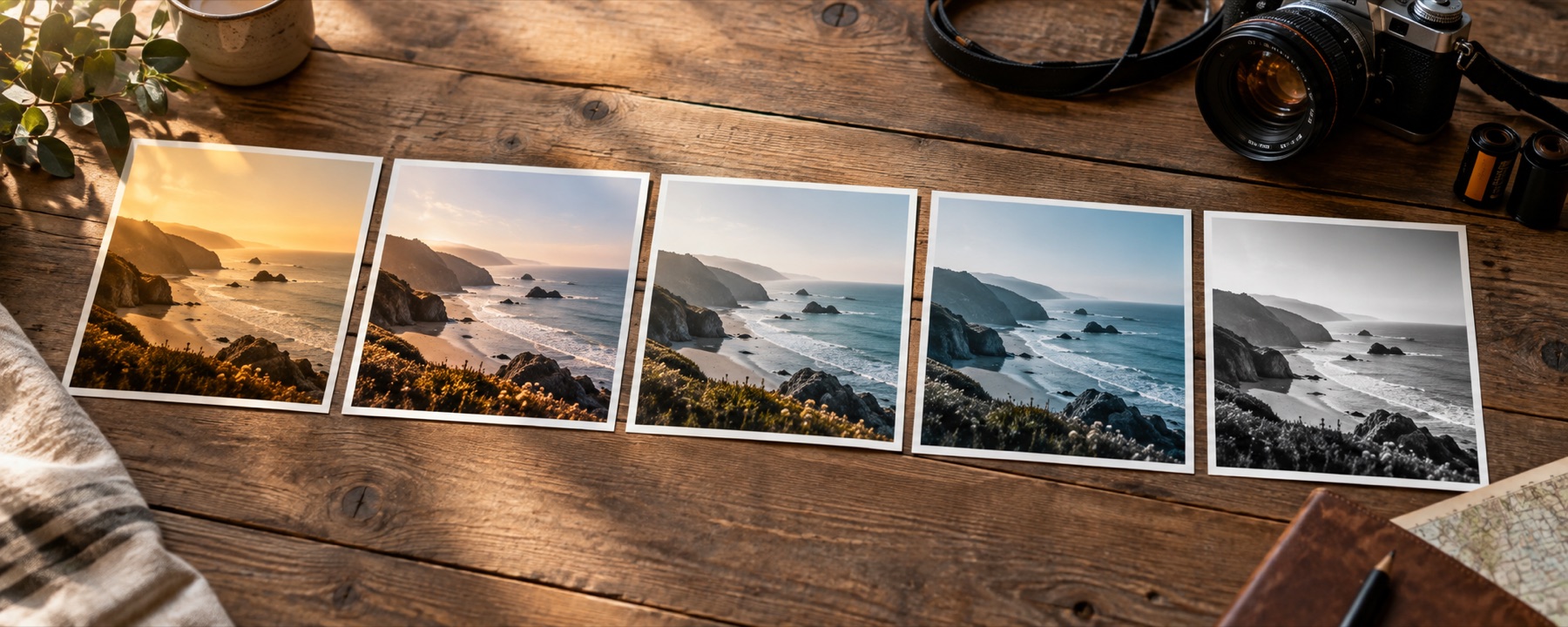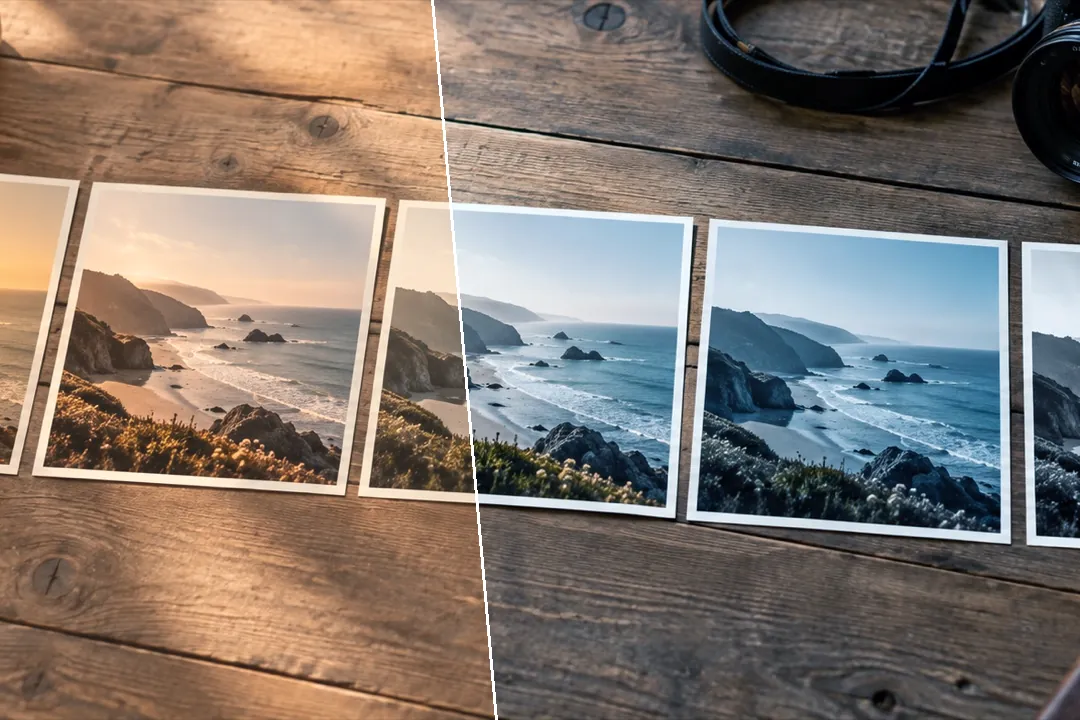
Undo the colour cast and fade a filter left on a photo — measured from the picture itself, shown as numbers, and adjustable — and be told plainly what cannot be undone.
What it can undo, and how
A colour filter mostly does three things to a photo: it leans the colours one way (warmer, cooler, pinker, greener), it lifts the blacks and dims the whites so the picture looks faded, and it changes the colour of the shadows and the highlights differently. All three leave fingerprints the page can measure. It reads where each colour channel really starts and ends (ignoring the last 0.1 % at each end), restores that range, then balances each channel in the darker half and the brighter half of the picture separately, so a split tone — warm shadows under cold highlights — comes out too.
The result is an ordinary recipe: black points, white points, midtones and gains per channel, printed on the panel. You can ease Fade removal and Cast removal back, click something that should be grey, then put any look from the library on top — or build a fresh one in the filter editor.
Tested, and the numbers published
We took three of our own photographs, neutralised them, applied three of this site’s looks (Warm Portrait, Faded Print and Blue Hour) and ran this page on the results. In all nine cases the remover brought the colour difference from the original down to under half of the filtered version’s — the full figures are in what a filter remover can and cannot undo.
What it cannot do
- It cannot undo beauty smoothing, face reshaping, blur, stickers or anything else that changed the picture's structure.
- It cannot bring back highlight or shadow detail a filter clipped to pure white or black.
- It cannot know the true colours: it makes a believable neutral, not the original. A photo that really was mostly one colour gets pulled toward grey.
- Heavy recompression (forwarded chat photos) limits what can be recovered.
Questions
Can you remove a filter from any photo?
Only the part of a filter that changed colours across the whole picture: a warm or cool cast, a magenta or green tint, a fade that lifted the blacks or dimmed the whites. Those can be measured and undone. Anything that changed the picture's structure cannot.
Can it undo beauty filters or face smoothing?
No. Smoothing, reshaping, blur, stickers and anything else that moved or replaced pixels has thrown the original detail away, and nothing on this site invents it back. This page says so first because many 'filter removers' promise it and cannot deliver.
What does click-to-neutral do?
You click something in the photo that you know should be grey or white — a wall, a shirt, a cloud. The page measures its colour and sets each channel's gain so that spot becomes neutral, which corrects the rest of the picture by the same amount.
Why can't it get the original back exactly?
Because the page never saw the original. It makes a believable neutral version from what this photo measures — the ends of each colour channel and the balance of its darker and brighter halves. A photo that really was mostly orange (a sunset, a wooden room) will be pulled toward grey too, which is why both amounts can be eased back.
Does a forwarded WhatsApp photo work?
Partly. Heavy recompression has already thrown away fine colour detail and adds blocky artefacts in smooth areas; the cast and fade can still be corrected, but what was lost to compression stays lost.
Nearby on this site
- Photo filter editorBuild a filter from scratch, name it, and take it with you as a link, a card, JSON or a .cube.
- Vintage looksFaded-print responses with lifted blacks and colour drift.
- Find the best filter for your pictureFour looks spread furthest apart on your photo, side by side, and a contact sheet of every look.
- Photo filtersFifty-six looks shelved by family, compared four at a time and built into recipes, every thumbnail drawn from the photograph you opened.