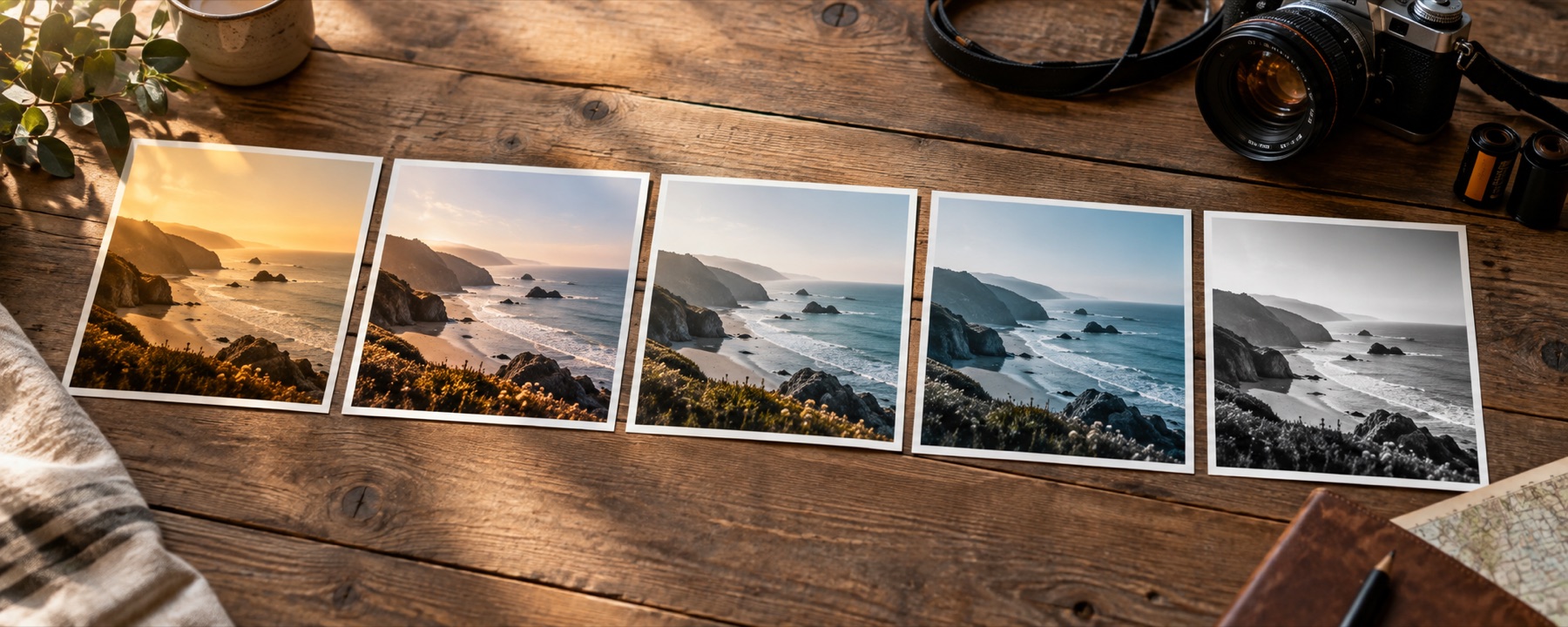
Bloom from the highlights with threshold, radius and warmth, and film halation around bright edges — both effects laid over any look.
Built from your highlights
The glow is made from your photograph: the parts above the threshold are picked out, blurred to the radius you set, warmed or cooled, and screened back over the graded picture. Because it is built at one working size and its radius is a share of the frame, a phone preview and a twelve-megapixel export glow identically.
Halation is the narrower, red-orange fringe that film gets around bright edges. Add a little to any of the film photo filters; for soft, dreamy pictures, start from the aesthetic photo filters.
What it cannot do
- Glow comes from what is bright in the photograph. A flat, grey picture has nothing above the threshold, so it barely glows.
- Glow adds light; it does not blur the picture underneath or smooth skin.
Questions
What is the difference between glow and halation?
Glow (bloom) is light spilling softly out of every bright part of the picture, in the colour of that light. Halation is narrower and red-orange: a fringe around bright edges, which on film comes from light bouncing back through the emulsion. Glow makes a picture dreamy; halation makes it filmic.
Which parts of the picture glow?
Only the parts brighter than the threshold. Lower the threshold and more of the picture contributes; raise it and only lamps, windows and sun spill light.
Why does the glow look the same at any size?
The radius is a share of the picture's long edge, not a number of pixels, and the glow is built from the picture at one fixed working size. The preview and the full-size file get the same glow in the same place.
Is glow a filter or an effect?
An effect. A look is colour and lives in a table; glow depends on neighbouring pixels, so it is drawn after the look and labelled as an effect. A .cube saved from the recipe leaves it out.
Nearby on this site
- Aesthetic photo filtersSoft pastel, Korean-style, milk-tea, cloud-fade and neon-night looks, with glow one control away.
- Film looksThe eight emulations on their own, with what each one does to skin written down.
- Add a vignetteAmount, midpoint, roundness, feather, a movable centre, highlight protection and white vignettes.
- Online camera filtersYour webcam or phone camera graded live by any look, with a shutter, a self-timer, a four-frame film strip and nothing recorded until you press it.