Invert a photograph, give it the orange base of a colour negative, or turn a photo of a real negative back into a picture — and put any look on top.
A photo of a real negative, back to a picture
Hold a strip of negatives up to a window or a light box and photograph it with your phone. Open that photo here and press Colour negative scan → positive under Correction. A colour negative is not simply inverted: the film has an orange mask built in, so the page first divides that out (it guesses the base from the clearest part of the picture; click the unexposed edge of the film to sample it exactly), then inverts, then sets each channel’s black and white points from the darkest and brightest 0.1 per cent and balances the colours. Every number is on the panel. For black-and-white film, use the B&W button: invert and levels, no colour balance.
Invert, or invert like film
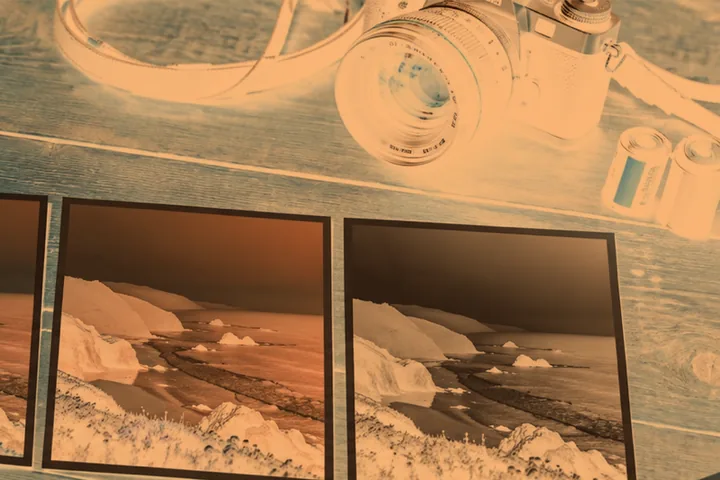
Invert turns every value into its opposite: white to black, red to cyan, blue to yellow. Film negative does the same and then lays the orange base of a colour negative over it, which is what most people mean when they ask for a negative filter. Both run first in the stack, so the colour filters, tone controls and every look in the library go on top of the inverted picture.
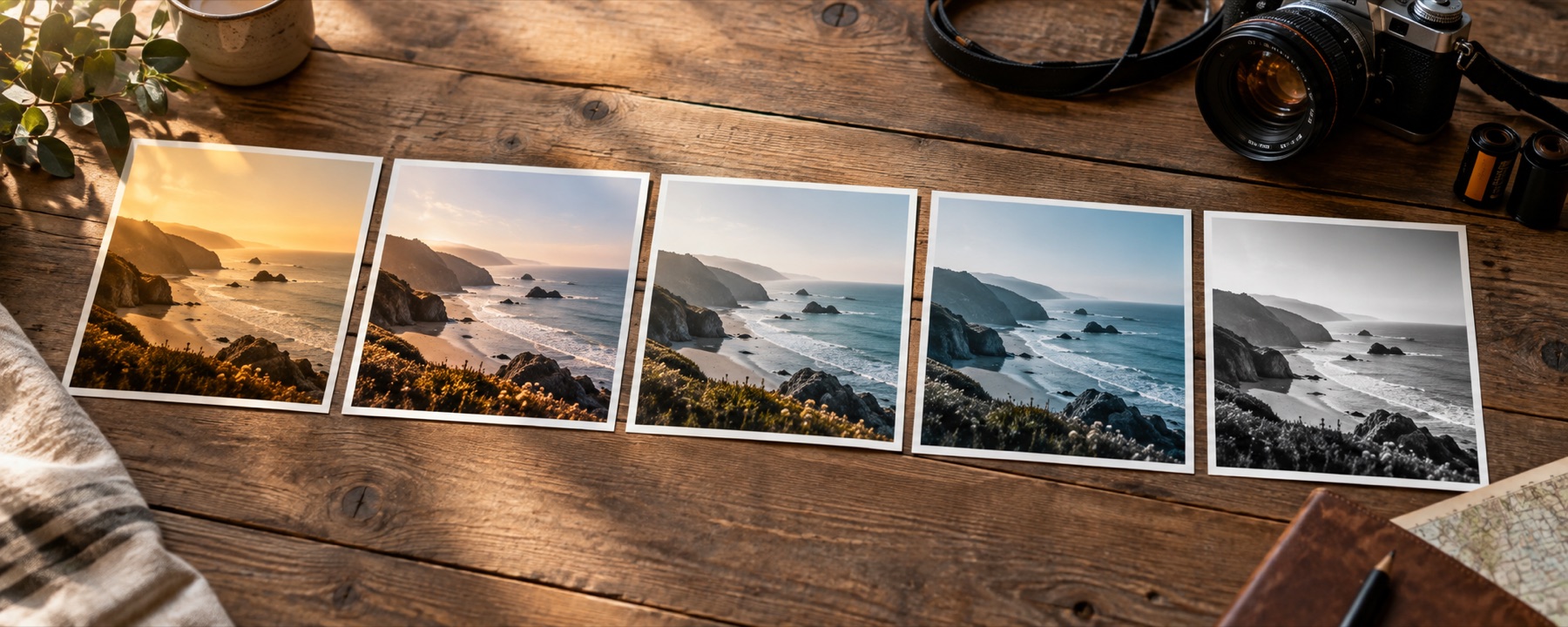
The amount slider mixes the negative back with the photograph. Around 50 per cent the picture collapses toward grey with a ghost of both versions in it — a legitimate look in its own right.
What it cannot do
- A phone photo of a negative on a light box is not a scanner: dust, uneven backlight and the phone's own processing stay in the picture. The result is a good proof, not an archival scan.
- Scan mode reads the film base and levels from the whole photo: crop away the light box, sprocket holes and frame edges first for the cleanest result.
- Slide (positive) film is not a negative; it needs no inversion.
Questions
How do I make a photo look like a negative?
Open the photograph: this page starts with Invert on at 100 per cent. Choose Film negative for the orange-based look of a colour negative strip, and lower the amount for a half-way, ghostly version — a half-inverted grey is a real look too.
Can I turn a scanned film negative into a photo?
Yes. Open the photo or scan of the negative and press 'Colour negative scan → positive' (or the black-and-white one) under Correction. The page divides out the orange film base, inverts, sets each colour channel's black and white points and balances the colours. Click the clear edge of the film to sample the base exactly, and click something grey to fine-tune the balance.
Why is a colour negative orange?
Colour negative film carries an orange mask built into the base, which corrects for impurities in the dyes when the negative is printed. It is why a strip of negatives looks orange-brown rather than simply inverted, and it is what the Film negative option imitates.
How good is a phone photo of a negative?
Good enough for a proof — to see what is on a strip, share it with family or decide what to have scanned properly. It is not an archival scan: dust, uneven backlight, the phone's own sharpening and colour processing all stay in the picture.
Can I put a look on top of the negative?
Yes. The negative is applied first, before the base look, so any look, tone or colour control goes on top of the inverted picture.
Nearby on this site
- Colour filters for photosBlue, pink, gold, purple and any other gel over the lens: multiply, soft light, colour or screen.
- Black and whiteEight channel and tonal decisions for turning colour into grey.
- Photo filter editorBuild a filter from scratch, name it, and take it with you as a link, a card, JSON or a .cube.
- Photo filtersFifty-six looks shelved by family, compared four at a time and built into recipes, every thumbnail drawn from the photograph you opened.