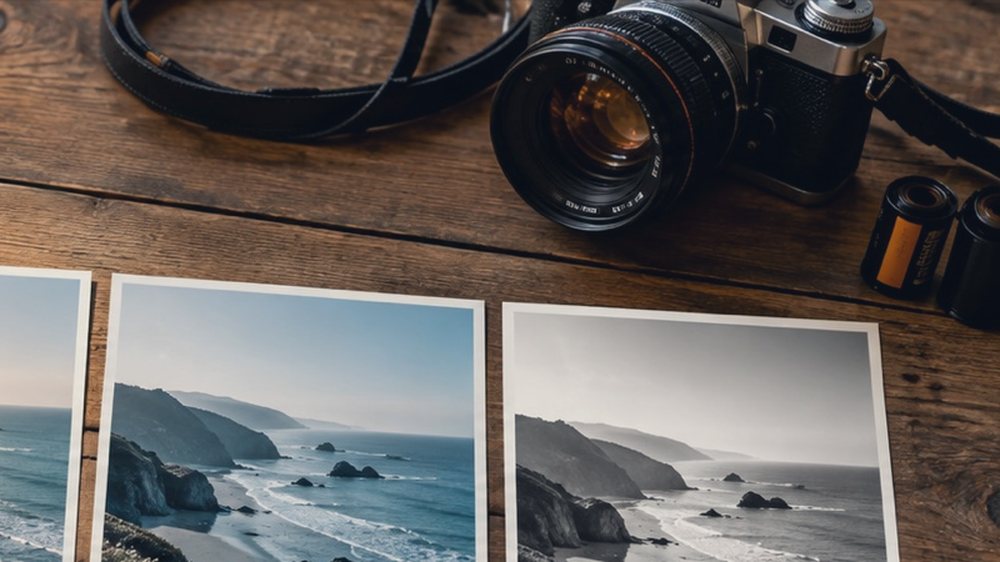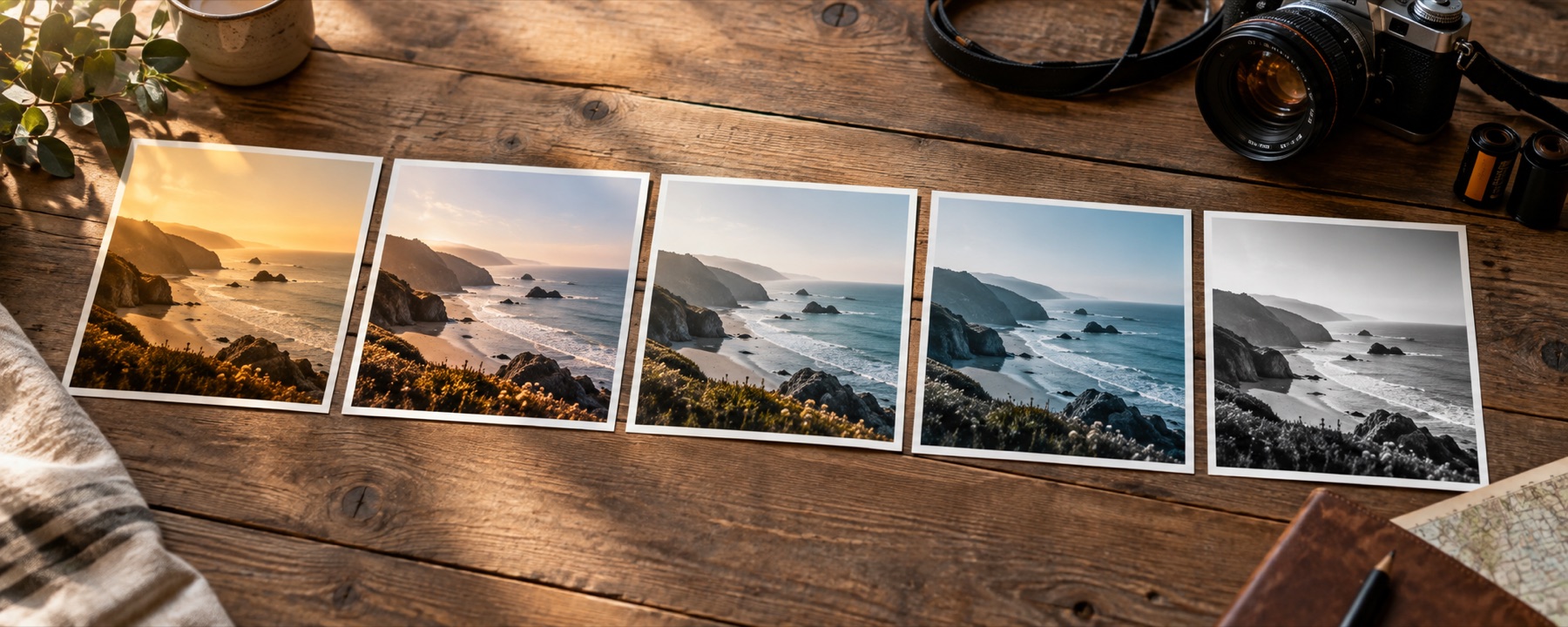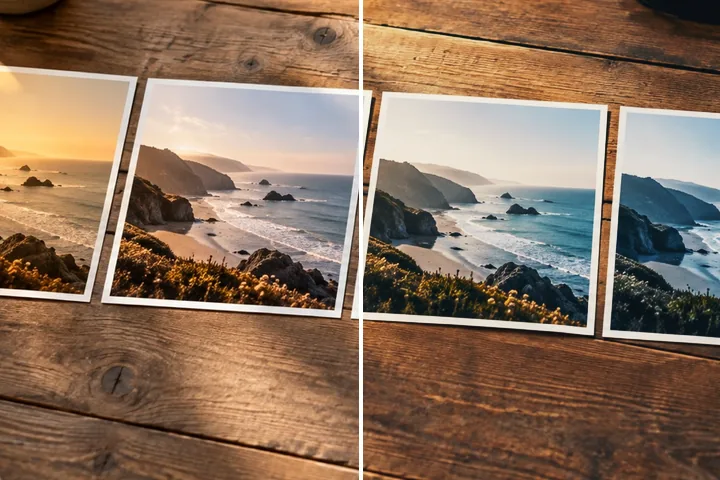
Build a filter from nothing — tone, colour, toning, a colour filter, HSL, curves and effects — name it, and take it with you as a link, a card, JSON or a .cube.
The order of operations, written down
- Correction (optional): neutralise a cast and a fade, or turn a scanned negative into a positive.
- Negative (optional): invert, or invert with an orange film base.
- Base look — one of the fifty-six, or your own .cube — mixed at its strength.
- Tone: exposure, midtones, contrast, fade; then highlights, shadows and age.
- Colour: temperature, tint, saturation; then vibrance and teal & orange.
- Toning: a shadow hue and a highlight hue.
- Colour filter: a gel by multiply, soft light, colour or screen.
- HSL: hue, saturation and luminance in eight colour bands.
- Curves: master, then red, green and blue.
- Duotone (optional): brightness mapped onto two or three colours.
- Effects, after the colour table: glow and halation, vignette, grain, letterbox, date stamp.
Steps 1 to 10 are folded into one 33-point colour table, so the preview, the light table, a batch and the saved file all go through the same lookup. That table is also what Save as .cube writes out — evaluated at full precision, not read back from the screen.
Copy the colours of another photo
Have a photo whose colours you love? Under Copy a look from a photo, open it as a reference. The page reads both pictures in Lab — how bright, how contrasty, which way the colours lean, how the shadows and highlights are tinted — and searches the ordinary controls until yours reads the same. There is no model and nothing is guessed: the numbers it lands on are printed, and they sit in the Tone, Colour and Toning panels like any you set by hand.
Take it anywhere, without the photograph
A recipe is numbers and a name. Copy it as a link and anyone who opens it gets the same filter on their own photograph; save a recipe card to post the “preset” without posting a picture; export JSON to move it to another device; or save a .cube for other editors. Paste a recipe or a link back in with Paste recipe. To try a .cube from elsewhere on its own, apply a LUT online.
What it cannot do
- A recipe is colour, tone and a few labelled effects. It cannot reshape a face, remove an object or add a sky.
- A .cube saved from a recipe carries the colour only. Grain, vignette, glow, halation, letterbox and the date stamp depend on position, so no LUT can hold them.
- Copying from a reference matches overall colour statistics, not a particular editor's style; a reference that is mostly sky pushes everything toward blue.
Questions
Can I make my own filter from scratch?
Yes. This page opens with no base look, so every control starts at neutral. Build the filter from tone, colour, toning, a colour filter, HSL and curves, add effects, name it and save it. Or pick any look in the library as a base and change it.
In what order are the controls applied?
Correction (neutralise or a negative scan), negative, then the base look at its strength, then tone (exposure, midtones, contrast, fade, highlights, shadows, age), colour (temperature, tint, saturation, vibrance, teal & orange), toning, the colour filter, HSL, curves and duotone. Those are folded into one colour table. Then the effects: glow and halation, vignette, grain, letterbox and the date stamp. A different order would give a different picture, so this one is fixed.
How do I share my filter without sharing my photo?
Four ways, none of which contains a picture: Copy recipe link (the numbers in the address), Recipe card PNG (name, swatches and numbers), Export JSON, and Save as .cube for other editors. The .cube carries the colour only; effects cannot live in a LUT.
Is my recipe stored anywhere?
Only in this browser, and only if you press Save recipe. A recipe link holds the numbers in the address itself; nothing is sent to a server, because there is no server that receives anything.
Can I copy the look of another photo?
Yes: Copy a look from a photo. Open a second picture and the page moves temperature, tint, exposure, contrast, saturation and a split tone until your photo's colour statistics match it, then shows the numbers it chose. It matches the overall colour mood, not an editing style — a reference full of blue sky will push a portrait toward blue.
Can I use my own .cube as the base?
Yes: Use a .cube or .3dl as the base look, in the Base look panel. The table stays in this tab; tone, colour and effects go on top, and the whole recipe can be saved back out as a new .cube.
Nearby on this site
- The filter libraryEvery look by family, with swatches computed from its recipe and a link that opens it on your photo.
- Apply a .cube LUTImport a .cube or .3dl colour table, interpolate it correctly and export the full-size result.
- Find the best filter for your pictureFour looks spread furthest apart on your photo, side by side, and a contact sheet of every look.
- A look versus an effectOne test that sorts any filter you meet into the two kinds, and says which kind this site does.