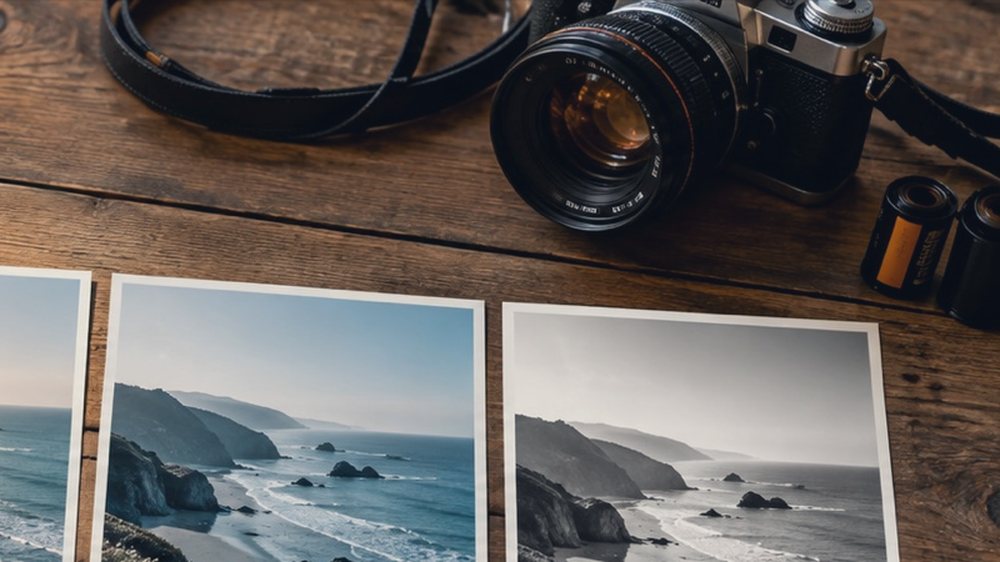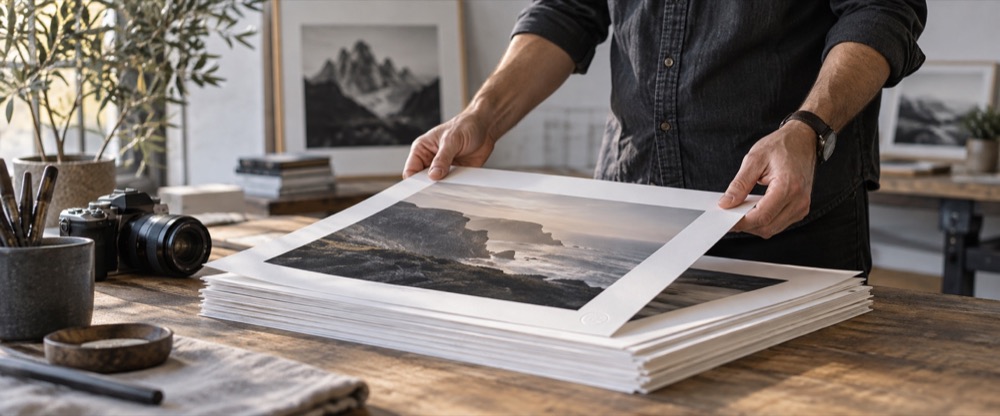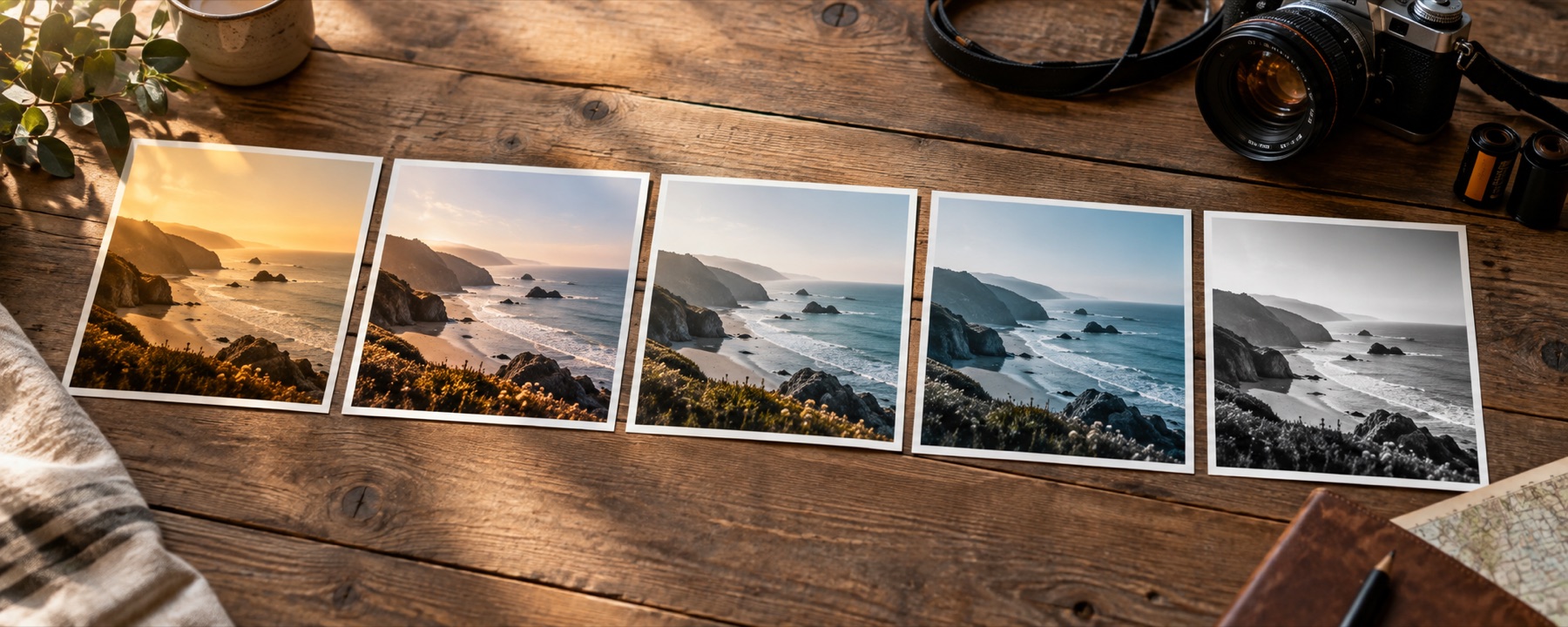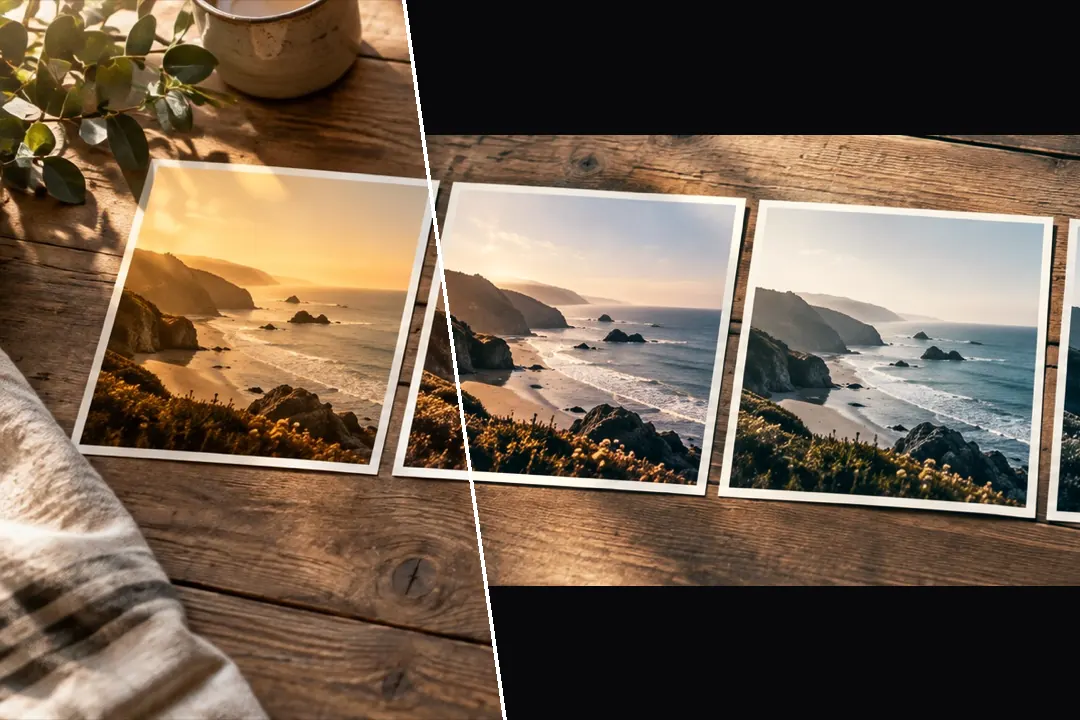
The Cinematic family — split colour and held blacks — with a teal-and-orange slider that keeps skin warm, and optional letterbox bars.
Split colour, held blacks
The library opens on the Cinematic family: looks that put one colour in the shadows and another in the light, and hold the blacks down instead of letting them lift. Bleach Bypass drains the colour; Blue Hour cools everything; Moody Teal and Night Neon are the newer, darker ones. Pick with the photograph, then use strength to decide how much.
Teal and orange, with skin held warm
The Teal & orange slider in the Colour panel works by hue: shadows and cool areas lean teal, highlights warm, and skin-coloured hues are pulled toward orange instead of teal. It is a per-colour function, so it bakes into the same colour table as the look, and a .cube saved from the recipe carries it. For more control, the Toning panel sets the shadow and highlight hues directly, and HSL moves single colour bands. Filmic texture — grain and halation — is on film photo filters.
What it cannot do
- Cinematic colour does not add depth of field or anamorphic flare; the picture's focus and lens are unchanged.
- Teal and orange is a strong grade. On a scene that is already mostly orange it has little to separate.
Questions
What is teal and orange?
A grade that pushes shadows and backgrounds toward teal while keeping skin warm and orange, so faces stand off the scene. The Teal & orange slider does it inside the colour table, with skin-coloured hues held toward orange so faces do not go grey-green.
Does the letterbox crop my photo?
It does not change the file's size or cut anything off the file. It draws black bars over the top and bottom of the frame to 2.39:1, 2:1 or 1.85:1, so the bars cover what is under them. Turn it off and the whole picture is back.
What is bleach bypass?
A film-lab trick: skipping the bleach step leaves silver in the print, which drains most of the colour and hardens the contrast. Bleach Bypass is on this shelf; lower its strength for a subtler version.
Will it blur the background?
No. Cinematic colour does not add depth of field. The background stays exactly as sharp as it was in the photograph.
Nearby on this site
- Film looksThe eight emulations on their own, with what each one does to skin written down.
- Aesthetic photo filtersSoft pastel, Korean-style, milk-tea, cloud-fade and neon-night looks, with glow one control away.
- Add glow to an imageBloom from the highlights and red halation around bright edges, sized as a share of the frame.
- Photo filter editorBuild a filter from scratch, name it, and take it with you as a link, a card, JSON or a .cube.